


Tree View
A React tree view for nested data: up to 6 levels with connector lines, checkbox selection, drag and drop, and custom slots. Built on React Aria, in Figma and React.








Loved by 2,000+ users worldwide.
Overview
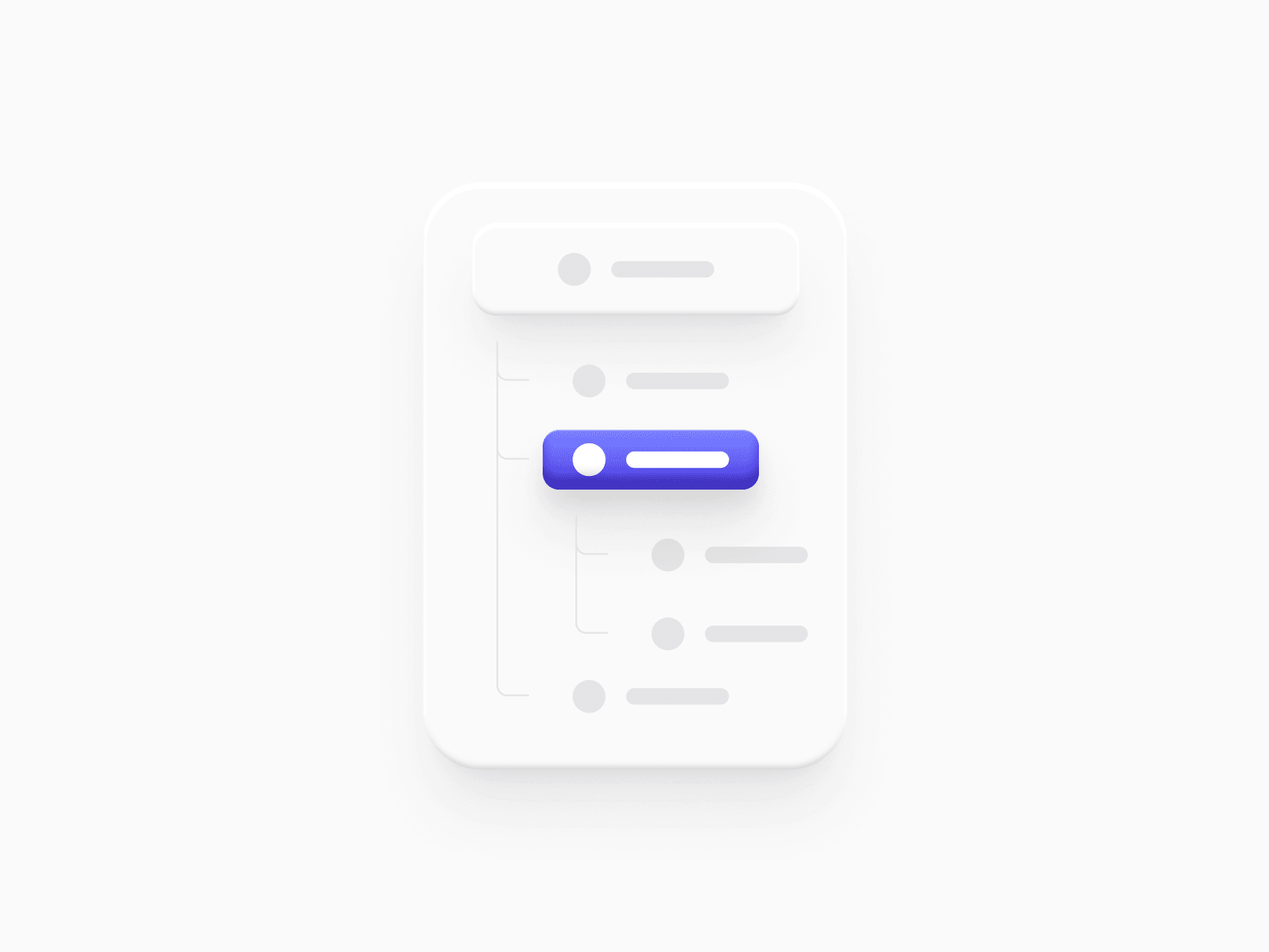
Tree View shows nested data as expandable rows, like a file tree or a folder structure, up to six indentation levels deep with elbow and vertical connector lines. Each row composes an icon, a label, an expand chevron, and leading and trailing slots for avatars, badges, counts, or actions. It comes in Solid and Ghost appearances, sm and xs sizes, and Fill or Hug widths, with full keyboard navigation, typeahead, checkbox selection, and drag and drop.
Figma Preview
When should you use them?
Use Tree View for data that is truly hierarchical: file explorers, folder pickers, category trees, and nested settings. For flat lists use a list or a table, and for a single level of collapsible content use Accordion.
How should you use them?
- Turn on connector lines when the tree is deep, so people can follow which item belongs to which parent.
- Use the leading slot for type icons and the trailing slot for counts or actions, instead of packing them into the label.
- Use checkbox selection when people pick many items across folders, and let parents reflect their children's state.
- Enable drag and drop only when moving or reordering items is a real task, and show the drag handle for it.
- Use Ghost and xs for dense sidebars, and Solid with Fill width for trees that stretch across a panel.
Questions,
answered clearly.
Plans, pricing, licensing, updates, and technical questions, all answered in one place.
Still have questions?


Your current plan is a one-time payment, no subscriptions, no recurring charges for what you buy today. Some future Create UI products (such as AI-powered features) may be offered as optional add-on subscriptions, but these are entirely separate and will never affect your existing purchase. What you buy now, you own permanently.

Stop deciding. Start shipping.
Install it today and your next screen takes an hour instead of a day. Keep rebuilding from scratch, and next quarter looks exactly like this one.
Start Free Now. Upgrade whenever you need.



