Brand
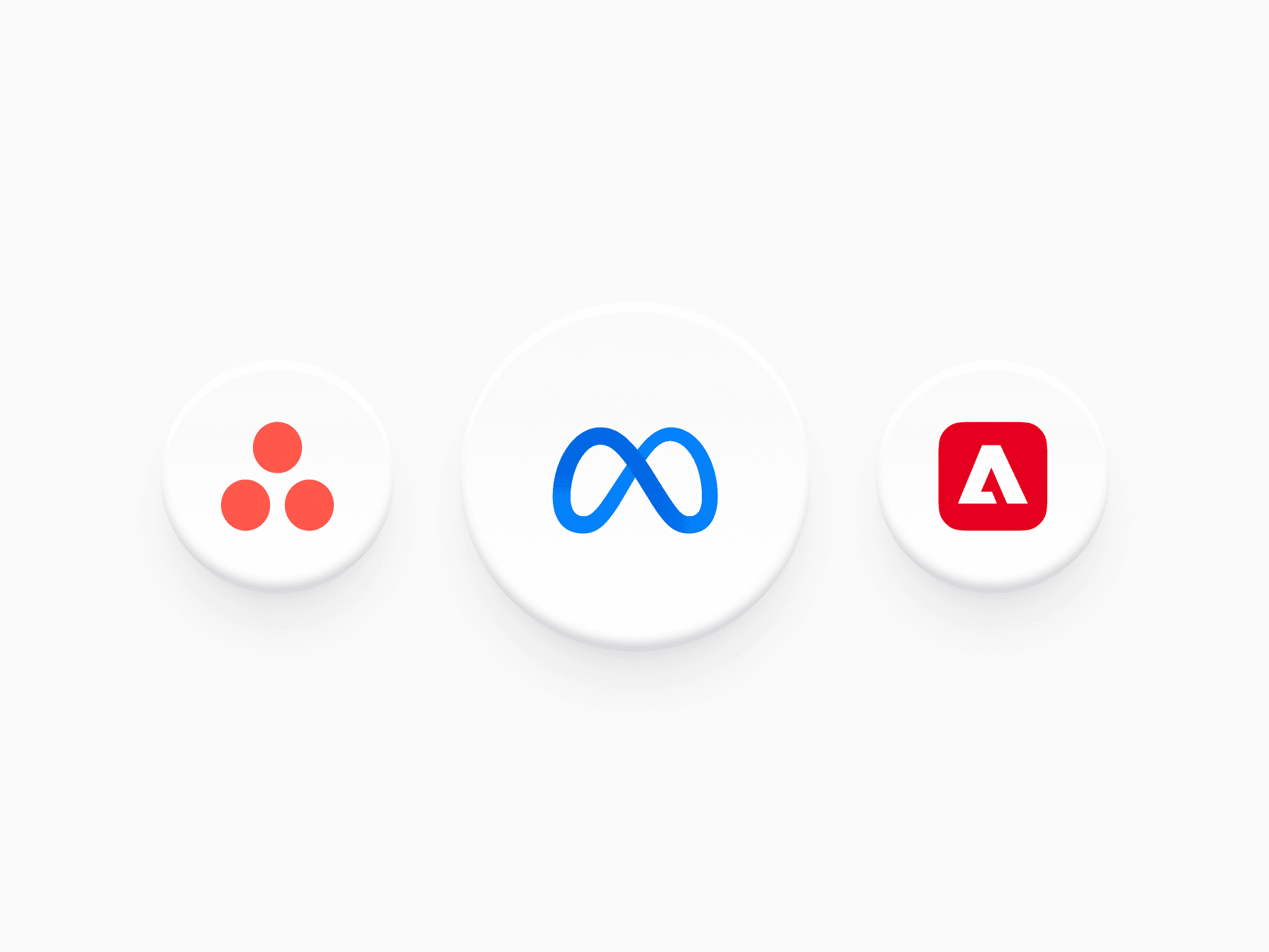
600+ brand icons for React and Figma: company and app logos, social media, card networks, wallets, banks, and crypto, installed from @create-ui/assets.








Loved by 2,000+ users worldwide.
Overview
Brand is a complete library of brand and platform icons, shipped as Figma assets and as React components in the @create-ui/assets package. It covers four groups: Brands & Apps (company, tool, and app store icons), Social Media (in color and monochrome), Finance (card networks, digital wallets, and banks), and Crypto (tokens, networks, wallets, and exchanges).
Figma Preview
When should you use them?
Use brand icons for integrations lists, sign-in options, share buttons, payment method pickers, checkout forms, customer logo walls, and wallet or exchange selectors. For interface actions use Icons instead, since icons describe actions and brand icons identify companies.
How should you use them?
- Import each mark as a component from @create-ui/assets (brands, social, payments, banks, badges, crypto) so only what you use ends up in your bundle.
- Pick the treatment by surface: color on light backgrounds, white on dark ones, and monochrome for quiet logo walls.
- Use Finance icons next to card and wallet options so people recognize the payment method at a glance.
- Keep logos at a consistent height in a row, not a consistent width, so they read as balanced.
- Hide a logo from screen readers when the brand name is written next to it, and give it an accessible name when it stands alone.
Questions,
answered clearly.
Plans, pricing, licensing, updates, and technical questions, all answered in one place.
Still have questions?


Your current plan is a one-time payment, no subscriptions, no recurring charges for what you buy today. Some future Create UI products (such as AI-powered features) may be offered as optional add-on subscriptions, but these are entirely separate and will never affect your existing purchase. What you buy now, you own permanently.

Stop deciding. Start shipping.
Install it today and your next screen takes an hour instead of a day. Keep rebuilding from scratch, and next quarter looks exactly like this one.
Start Free Now. Upgrade whenever you need.



