





Scroll Bar
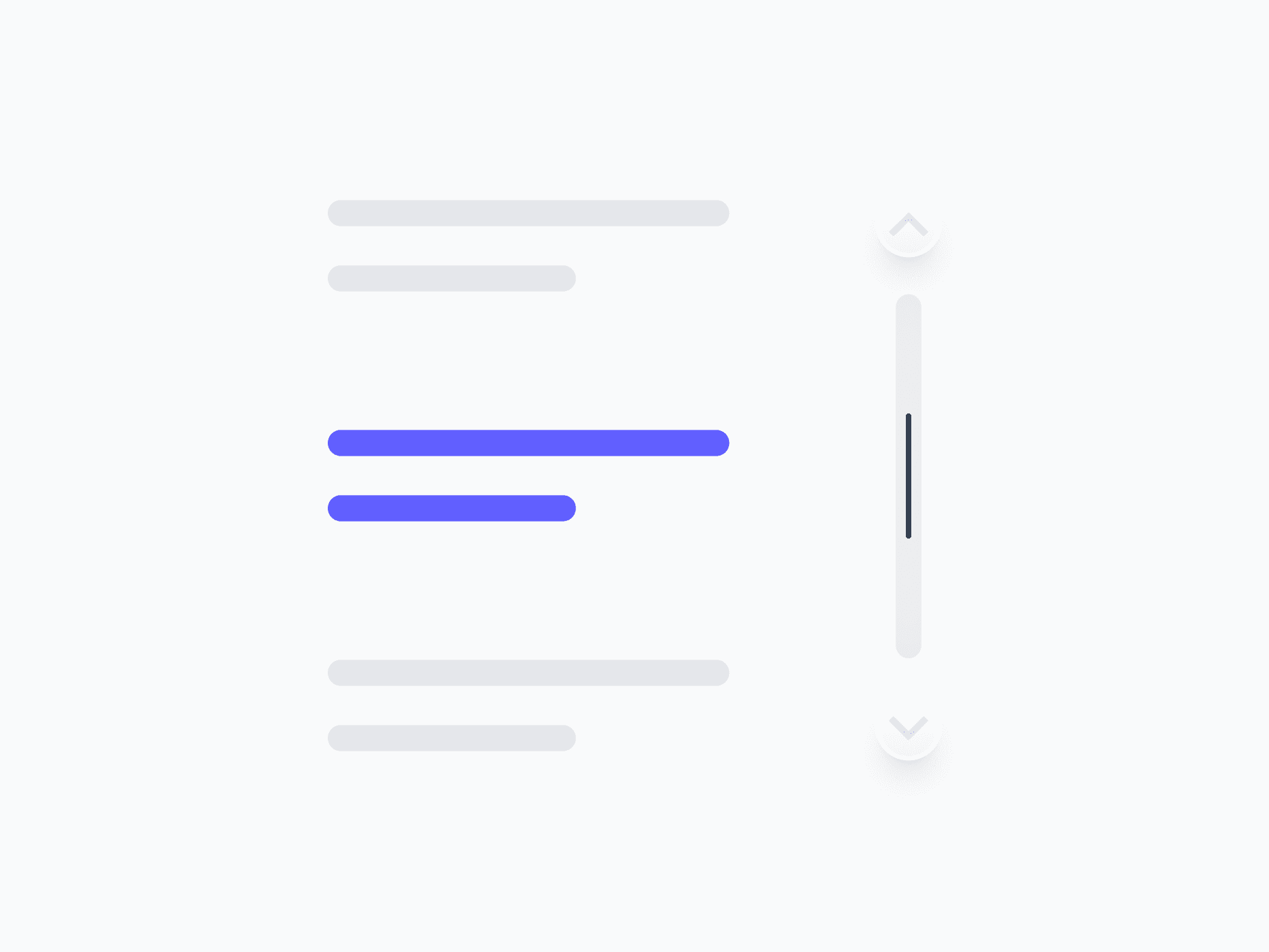
A styled scrolling indicator for custom scroll containers, panels, and overflow areas. Scroll Bar offers 2 appearances, 3 sizes, and both directions, ready in Figma and React.








Loved by 2,000+ users worldwide.
Overview
Scroll Bar provides a styled scrolling indicator for custom scroll containers, panels, and overflow areas. With 2 appearances, 3 sizes, and both directions, it gives precise control over how scrollable regions are communicated, keeping the scroll experience consistent with the rest of the design system rather than relying on browser defaults.
Figma Preview
When should you use them?
Use a scroll bar to style scrollable regions, like data tables, dropdowns, panels, or any overflow container, so the scroll experience matches your design system instead of the browser's default. Use the Filled style when the scrollbar should be clearly visible, and Ghost when it should stay subtle.
How should you use them?
- Use it to style scroll regions consistently; style only the appearance, never replace native scroll behavior.
- Use Filled for content-heavy panels where the scrollbar should be clearly visible.
- Use Ghost for subtle, overlaid scrollbars that fade into the background.
- Match the direction to the overflow axis: vertical for stacked content, horizontal for wide content.
- Keep the scrollbar discoverable so users know the region scrolls.
- Preserve keyboard, wheel, and touch scrolling so the region stays accessible.
Questions,
answered clearly.
Plans, pricing, licensing, updates, and technical questions, all answered in one place.
Still have questions?


Your current plan is a one-time payment, no subscriptions, no recurring charges for what you buy today. Some future Create UI products (such as AI-powered features) may be offered as optional add-on subscriptions, but these are entirely separate and will never affect your existing purchase. What you buy now, you own permanently.

Stop deciding. Start shipping.
Install it today and your next screen takes an hour instead of a day. Keep rebuilding from scratch, and next quarter looks exactly like this one.
Start Free Now. Upgrade whenever you need.



