
Sidebar Navigation
A persistent left-side bar for product navigation. Sidebar Navigation offers 3 layout variants with collapsible columns and 4 section toggles, ready in Figma and React.








Loved by 2,000+ users worldwide.
Overview
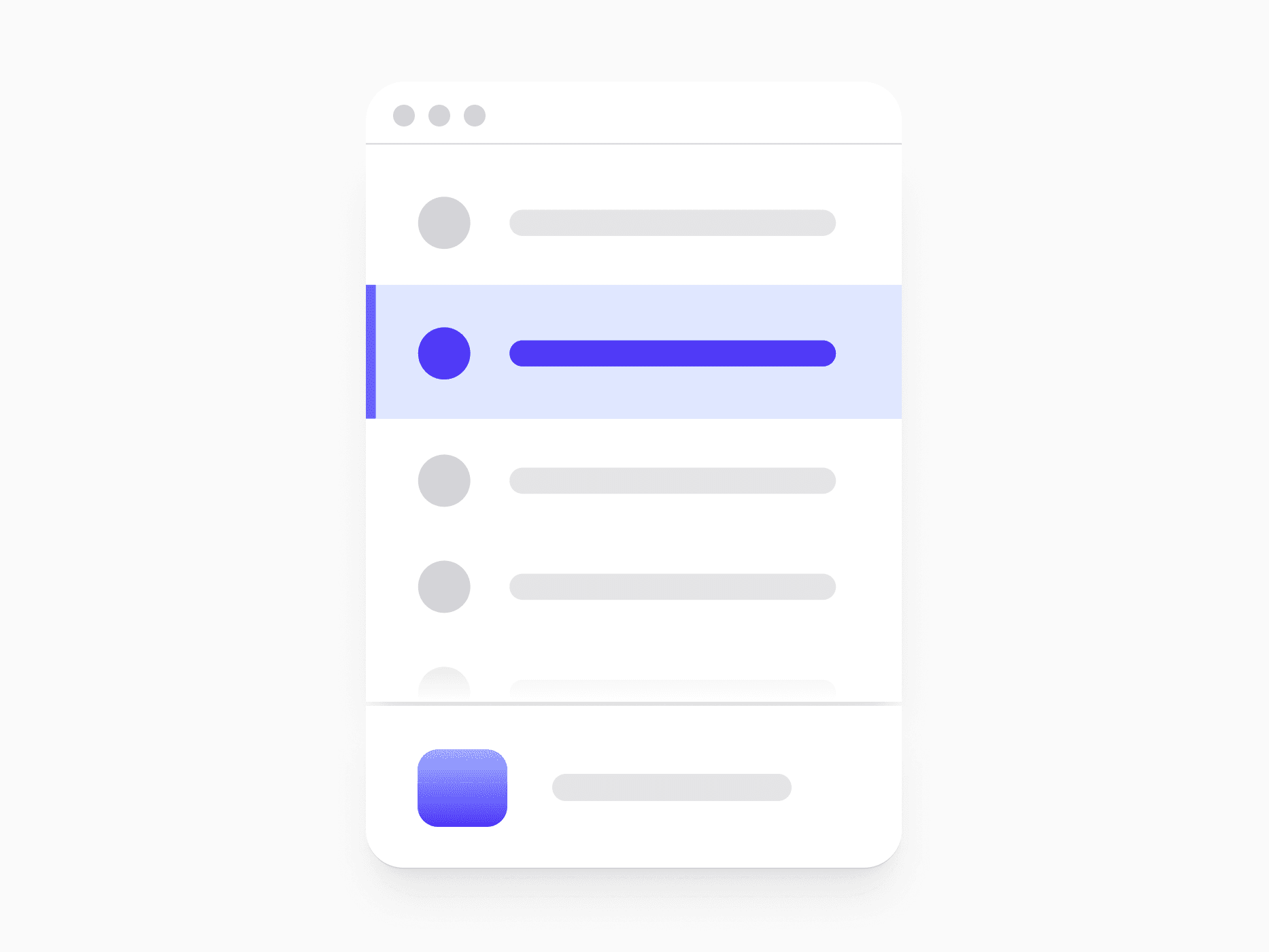
Sidebar Navigation is the persistent vertical bar that carries the workspace identity, primary menu, and account access. Three layout variants scale from a single-column sidebar to two-column layouts with an independent icon rail, the content column collapses to icon-only and remembers the choice across sessions, and four section toggles let each surface carry only the top-level sections it genuinely needs.
Figma Preview
When should you use them?
Use a sidebar navigation in authenticated product surfaces like dashboards, admin panels, and workspace apps, where navigation is deep and stays visible while users work. Reach for Header Navigation on marketing sites and shallow page structures, and remember the two can coexist, with the sidebar owning product sections and the header owning global actions.
How should you use them?
- Pick the variant for the product: Default for single-column sidebars, Combined for two-column layouts with a global switcher rail, Compact when the rail should feel like OS chrome in content-dense products.
- Let users collapse the content column to icon-only with the single Collapsed toggle, and persist that preference across sessions.
- In Combined and Compact, treat rail visibility as a separate control, so users can tune horizontal density in four steps.
- Turn off the Header, Search, Features Card, or Account sections a surface does not need instead of leaving empty slots.
- Fill the Menu Slots container with nested content per product, so identical variants can serve completely different apps.
- Wrap the sidebar in a nav landmark with an aria-label that distinguishes it from the header, give the collapse toggle aria-expanded, and keep icon-only items labeled with aria-label so the collapsed state stays readable to screen readers.
Questions,
answered clearly.
Plans, pricing, licensing, updates, and technical questions, all answered in one place.
Still have questions?


Your current plan is a one-time payment, no subscriptions, no recurring charges for what you buy today. Some future Create UI products (such as AI-powered features) may be offered as optional add-on subscriptions, but these are entirely separate and will never affect your existing purchase. What you buy now, you own permanently.

Stop deciding. Start shipping.
Install it today and your next screen takes an hour instead of a day. Keep rebuilding from scratch, and next quarter looks exactly like this one.
Start Free Now. Upgrade whenever you need.



