Misc
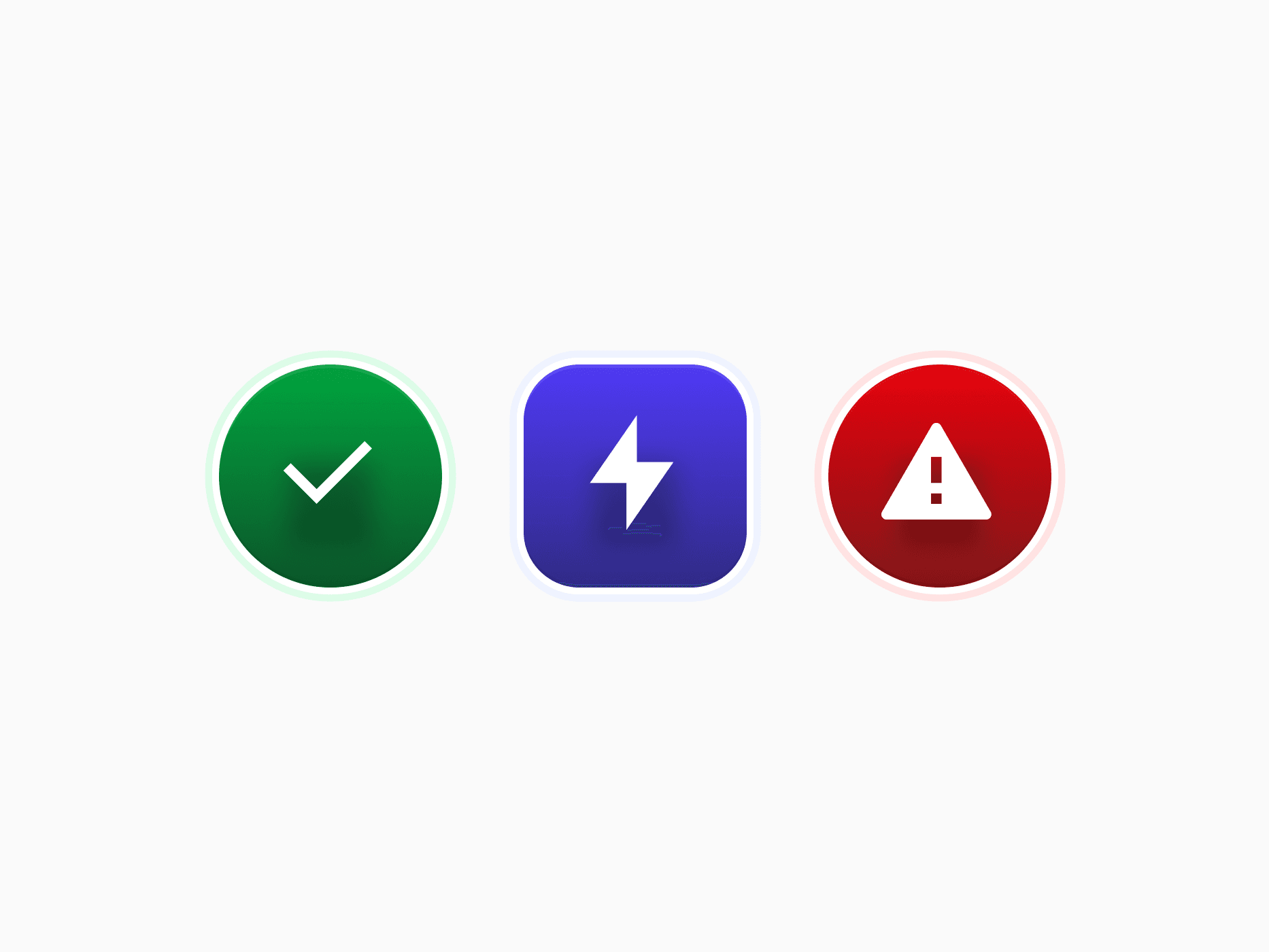
Featured Icon for React and Tailwind CSS: 7 semantic colors, 4 appearances, 6 sizes, and rounded or circle shapes for modals, empty states, and feature lists.








Loved by 2,000+ users worldwide.
Overview
Misc holds Featured Icons, icon-first visual accents that signal status, category, or emphasis. They combine 7 semantic colors (Primary, Neutral, Danger, Success, Warning, Info, and Away) with 4 appearances (Solid, Soft, Neutral, and Outline), a six-step size scale from 2xs to xl, and Rounded or Circle shapes. The Stylish type adds a gradient fill and ring, the Plain type keeps it simple, and it is what the Modal icon renders.
Figma Preview
When should you use them?
Use Featured Icons when an icon introduces or labels something: the top of a modal or an empty state, feature lists on landing pages, onboarding steps, settings rows, and small status markers inside dense rows. Inside buttons, inputs, and menus, pass a plain icon through the component's leading or trailing prop instead.
How should you use them?
- Pick the color by meaning, so the icon always matches what it communicates: Danger for destructive confirmations, Success for completed states.
- Use Solid for the one icon that should lead a section, and Soft, Neutral, or Outline for repeated items like feature lists.
- Scale from 2xs for inline status markers up to xl for hero-scale marks on empty states and onboarding.
- Use Stylish where the icon should feel like a brand element and Plain where it is a utility marker.
- Hide the icon from screen readers when a visible title already says what it means.
Questions,
answered clearly.
Plans, pricing, licensing, updates, and technical questions, all answered in one place.
Still have questions?


Your current plan is a one-time payment, no subscriptions, no recurring charges for what you buy today. Some future Create UI products (such as AI-powered features) may be offered as optional add-on subscriptions, but these are entirely separate and will never affect your existing purchase. What you buy now, you own permanently.

Stop deciding. Start shipping.
Install it today and your next screen takes an hour instead of a day. Keep rebuilding from scratch, and next quarter looks exactly like this one.
Start Free Now. Upgrade whenever you need.



