





Avatar
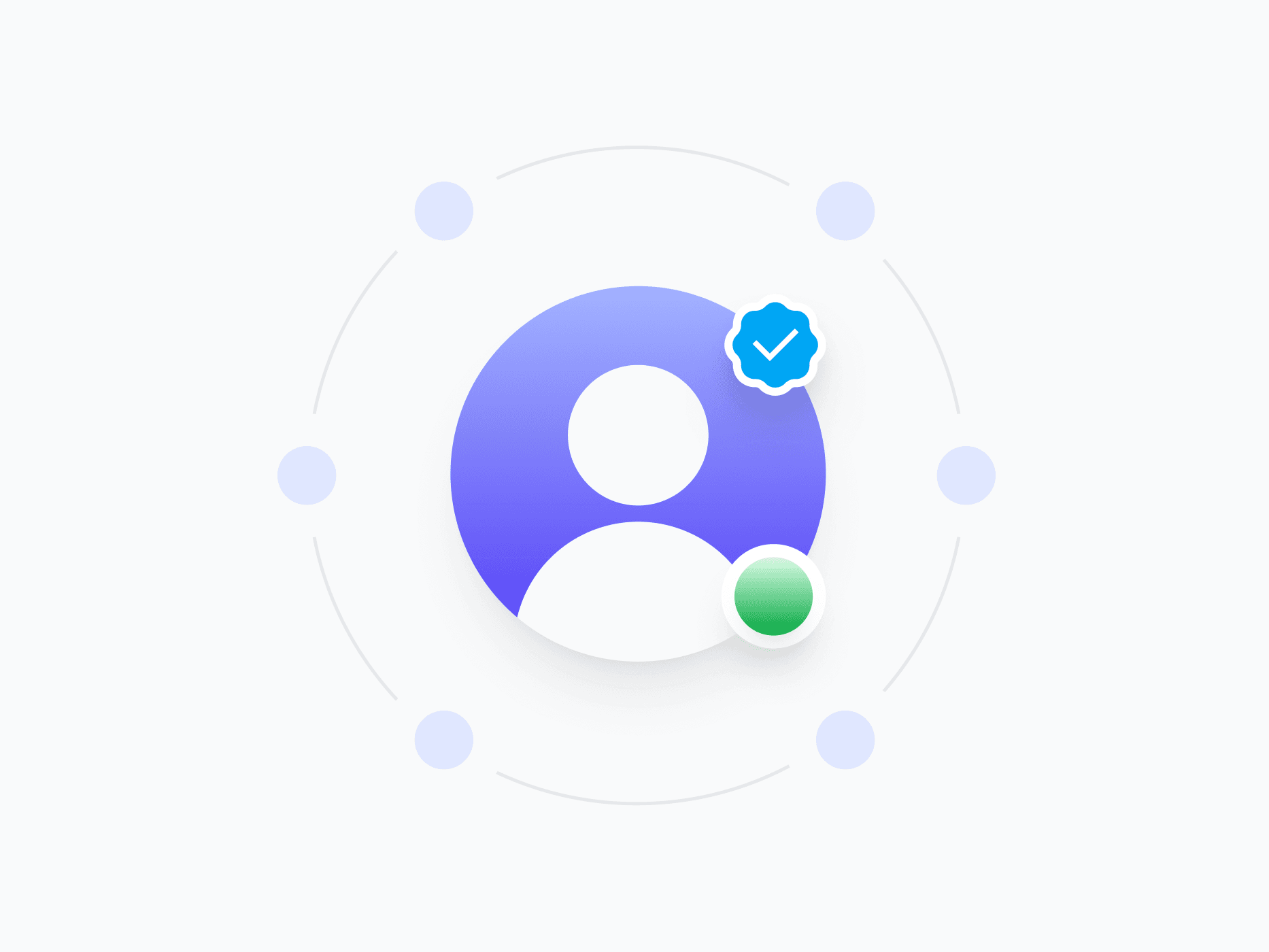
Represents a user, team, or entity with an image, initials, or placeholder symbol. Avatar is fully composable, with 3 styles, 7 sizes, and dual status badge support, ready in Figma and React.








Loved by 2,000+ users worldwide.
Overview
Avatar represents a user, team, or entity with an image, initials, or placeholder symbol. A fully composable structure built from nested image, text, background, ring, and status badge components, every visual layer is independently controllable, making it adaptable to profiles, comments, lists, navigation, and any context where identity needs to be shown at a glance.
Figma Preview
When should you use them?
Use an avatar to represent a person, team, or entity wherever their identity helps users recognize or scan content, like profiles, comments, member lists, assignees, and navigation. Fall back to initials when no image is available, and a placeholder when there's no identity to show.
How should you use them?
- Use an image when available, initials as a fallback, and a placeholder when there's no identity.
- Match the size to context: small in lists and comments, large in profile headers.
- Add a status badge to show presence or verification, using the top or bottom slot.
- Use the ring for selection states or to separate stacked avatars in a group.
- Keep initials to one or two characters so they stay legible at small sizes.
- Provide an accessible name so screen readers can identify who the avatar represents.
Questions,
answered clearly.
Plans, pricing, licensing, updates, and technical questions, all answered in one place.
Still have questions?


Your current plan is a one-time payment, no subscriptions, no recurring charges for what you buy today. Some future Create UI products (such as AI-powered features) may be offered as optional add-on subscriptions, but these are entirely separate and will never affect your existing purchase. What you buy now, you own permanently.

Stop deciding. Start shipping.
Install it today and your next screen takes an hour instead of a day. Keep rebuilding from scratch, and next quarter looks exactly like this one.
Start Free Now. Upgrade whenever you need.



