





Breadcrumbs
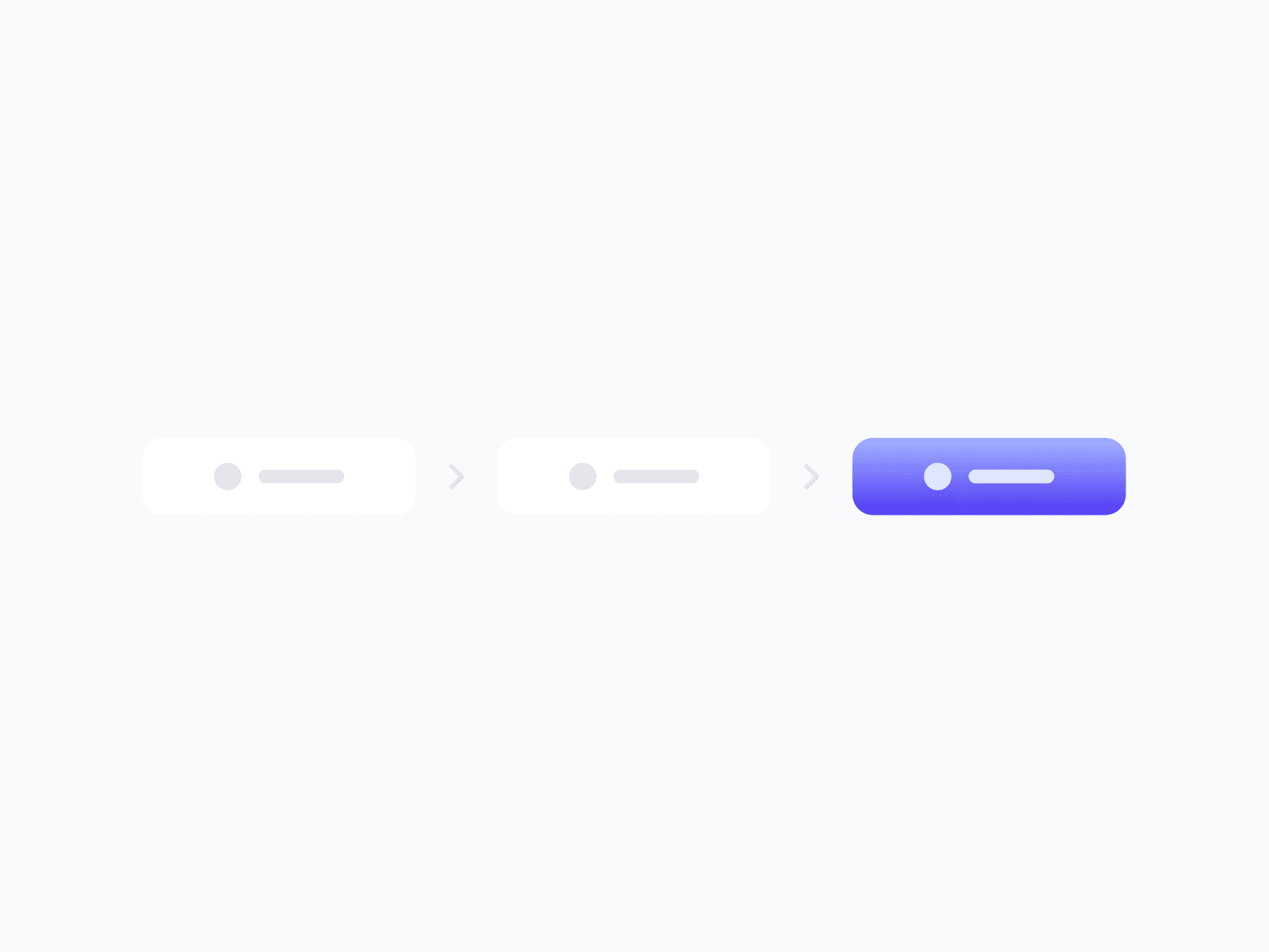
A breadcrumb trail that communicates the user's current location within a site or app hierarchy. Breadcrumb Group is fully composable, with 3 variants, 3 sizes, and 2 to 7 labels, ready in Figma and React.








Loved by 2,000+ users worldwide.
Overview
Breadcrumbs communicate the user's current location within a site or application hierarchy. Breadcrumb Group is a fully composable system built from separator, label prefix, item, and group components, each a nested instance, so every label, overflow marker, and separator is customizable directly from the parent without detaching.
Figma Preview
When should you use them?
Use breadcrumbs when users navigate a clear, hierarchical structure more than one level deep, like nested categories, folders, or settings pages. They show where the user is and let them jump back to any parent level. Skip them for flat structures or single-level navigation.
How should you use them?
- Use breadcrumbs for hierarchical navigation more than one level deep; skip them for flat structures.
- Show the full path, marking the last item as the current page and making it non-clickable.
- Use the overflow marker to collapse middle items when the trail is long.
- Keep labels short and matching the page titles they link to.
- Match the group variant (Ghost, Outline, Soft) to the surrounding navigation surface.
- Keep breadcrumbs keyboard-navigable and mark the current page for screen readers.
Questions,
answered clearly.
Plans, pricing, licensing, updates, and technical questions, all answered in one place.
Still have questions?


Your current plan is a one-time payment, no subscriptions, no recurring charges for what you buy today. Some future Create UI products (such as AI-powered features) may be offered as optional add-on subscriptions, but these are entirely separate and will never affect your existing purchase. What you buy now, you own permanently.

Stop deciding. Start shipping.
Install it today and your next screen takes an hour instead of a day. Keep rebuilding from scratch, and next quarter looks exactly like this one.
Start Free Now. Upgrade whenever you need.



