





Switch Group
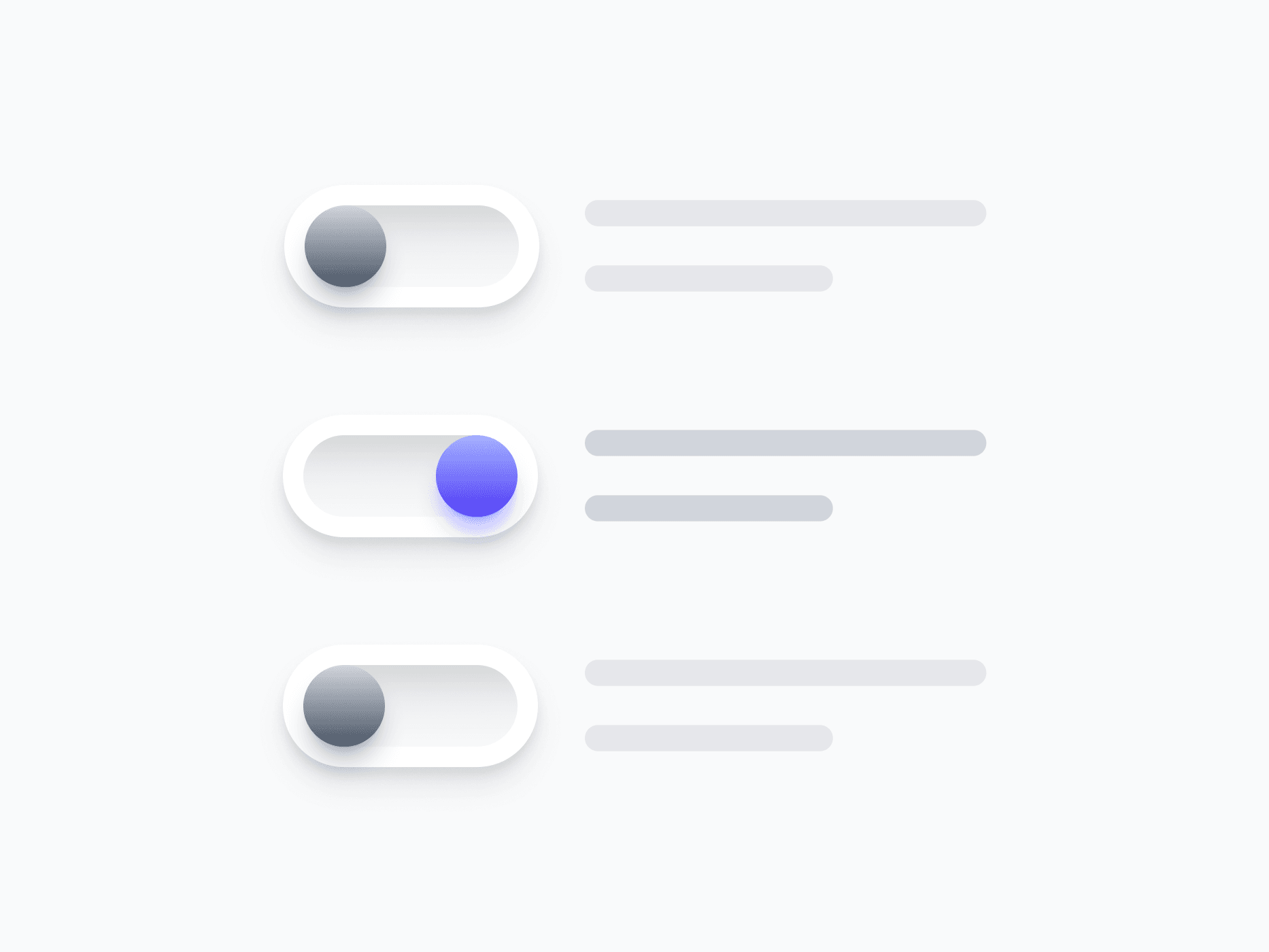
A fully composed switch unit that combines a switch with its label, badge, and text link. Switch Group handles placement and content visibility in one component, ready in Figma and React.








Loved by 2,000+ users worldwide.
Overview
Switch Group combines a switch with its label, badge, and text link into a single cohesive unit. It handles placement and content visibility in one component, so you can drop it into any settings panel, preference list, or form without manual alignment. Every piece stays editable as a nested instance.
Figma Preview
When should you use them?
Use a switch group whenever a switch needs more than a bare toggle, such as a labeled setting with helper text, a preference with an inline link, or a settings row that needs consistent alignment. It keeps the switch and its supporting content aligned without manual spacing.
How should you use them?
- Use it instead of assembling a switch, label, and helper by hand, to keep alignment consistent.
- Choose Left or Right placement to match reading direction or platform convention.
- Use helper text to explain what the setting does, especially when the effect isn't obvious.
- Toggle the text link on for settings that link to more detail or related pages.
- Keep the switch applying its change immediately, with no separate save step.
- Keep the full row clickable and keyboard-accessible for an easy target.
Questions,
answered clearly.
Plans, pricing, licensing, updates, and technical questions, all answered in one place.
Still have questions?


Your current plan is a one-time payment, no subscriptions, no recurring charges for what you buy today. Some future Create UI products (such as AI-powered features) may be offered as optional add-on subscriptions, but these are entirely separate and will never affect your existing purchase. What you buy now, you own permanently.

Stop deciding. Start shipping.
Install it today and your next screen takes an hour instead of a day. Keep rebuilding from scratch, and next quarter looks exactly like this one.
Start Free Now. Upgrade whenever you need.



