Section Header
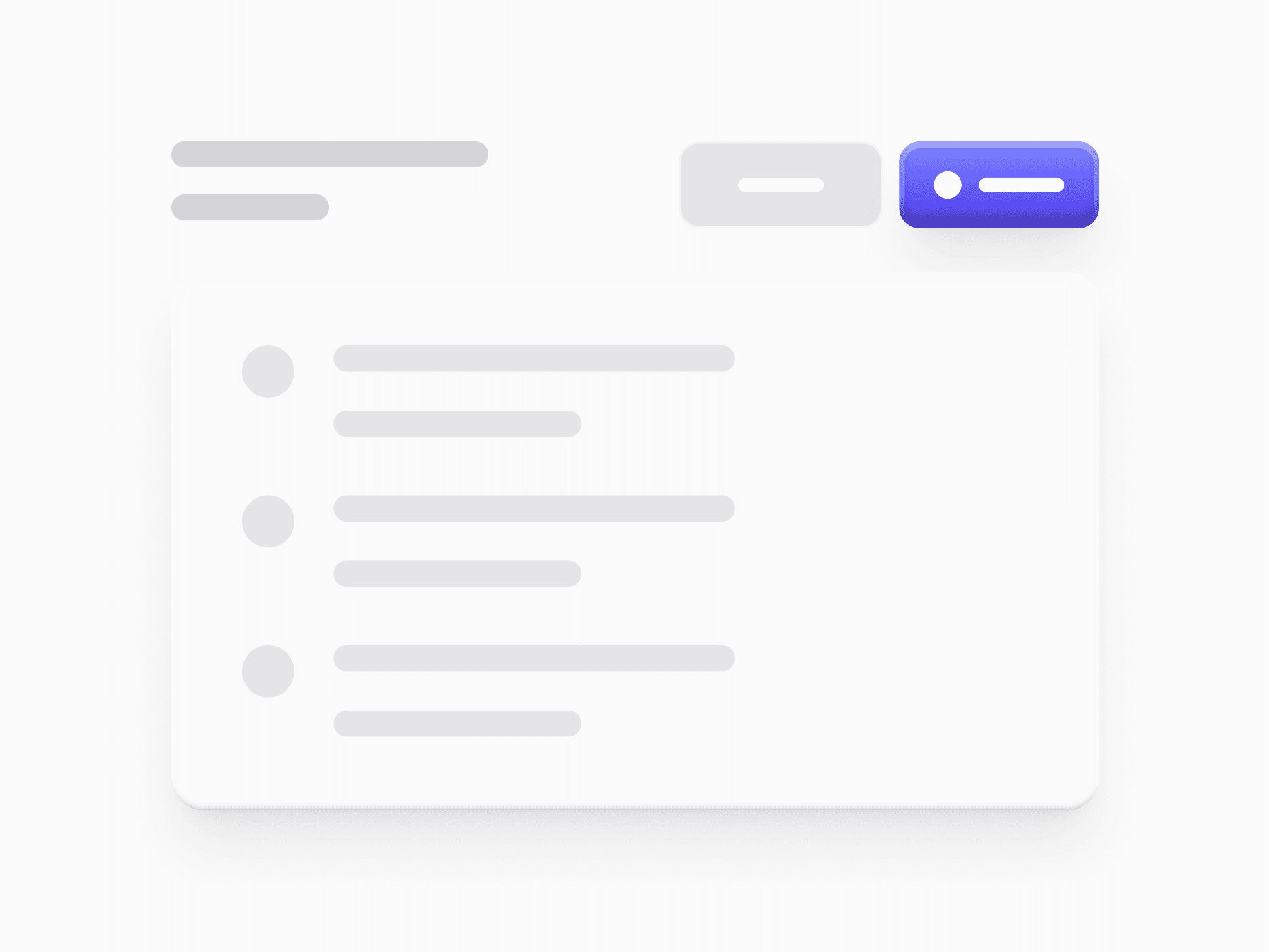
Section header blocks for React and Tailwind CSS: a title with an item count, a description, and lead and action slots, in center or top alignment.








Loved by 2,000+ users worldwide.
Overview
Section Header is the top strip of every content section. It carries the section title, an optional description, an item count badge, and the actions people take on the content below, in a single bar. Two directions set how the actions align (Center against the full title block, Top level with the title line), and a composable Lead slot and Actions slot hold a back button, an icon, search, buttons, or a segmented control. On mobile the actions wrap below the title. In code it ships as ready-made Pro blocks.
Figma Preview
When should you use them?
Use a Section Header at the top of list pages, dashboards, and settings screens, wherever a title needs its own actions like Export, Create, or Search. For a page-level announcement use Alert Banner, and for switching between views under the header use Tab Menu.
How should you use them?
- Keep one primary action in the Actions slot and move the rest to secondary buttons or an overflow menu.
- Show the count badge when the section lists records, so people see its size at a glance.
- Use the Center direction with two-line descriptions and Top for a tighter, single-line header.
- Put a back button in the Lead slot on detail pages, so people can return without the browser.
- Show only the elements the section needs, and keep the divider when content follows directly.
Questions,
answered clearly.
Plans, pricing, licensing, updates, and technical questions, all answered in one place.
Still have questions?


Your current plan is a one-time payment, no subscriptions, no recurring charges for what you buy today. Some future Create UI products (such as AI-powered features) may be offered as optional add-on subscriptions, but these are entirely separate and will never affect your existing purchase. What you buy now, you own permanently.

Stop deciding. Start shipping.
Install it today and your next screen takes an hour instead of a day. Keep rebuilding from scratch, and next quarter looks exactly like this one.
Start Free Now. Upgrade whenever you need.



