





Inline Alert
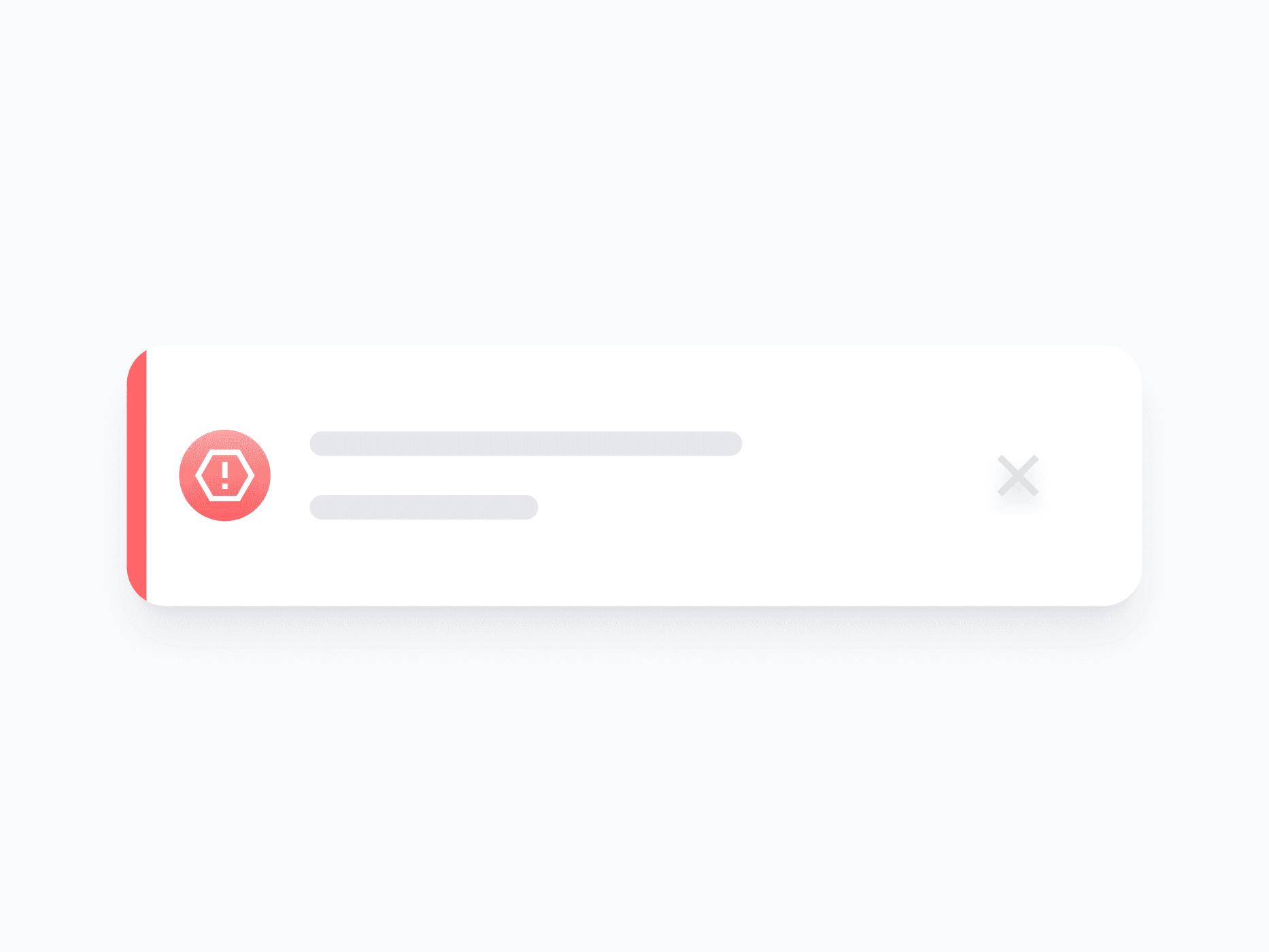
Contextual feedback, warnings, and status messages delivered directly within the page layout. Inline Alert offers 7 variants, 4 appearance styles, and full content control, ready in Figma and React.








Loved by 2,000+ users worldwide.
Overview
Inline Alert delivers contextual feedback, warnings, and status messages directly within the page layout. With 7 semantic variants, 4 appearance styles, and full content visibility control, it adapts to every notification context, from subtle neutral notices to critical danger states, without breaking the surrounding layout.
Figma Preview
When should you use them?
Use an inline alert to show feedback tied to a specific part of the page, like a form error, a success confirmation, or a warning about a section. Unlike a toast, it stays in place within the layout, so use it when the message should persist and stay connected to its context.
How should you use them?
- Use an inline alert for persistent, in-context feedback; use a toast for brief, dismissible notifications.
- Match the variant to the message (Danger for errors, Success for confirmations, Warning for caution).
- Use Horizontal layout for short single-line notices, Vertical for longer messages with actions.
- Include actions only when the user can act on the alert, like 'Retry' or 'Undo'.
- Keep the message clear and specific: what happened and what to do next.
- Use an icon alongside color so the alert type isn't signaled by color alone.
Questions,
answered clearly.
Plans, pricing, licensing, updates, and technical questions, all answered in one place.
Still have questions?


Your current plan is a one-time payment, no subscriptions, no recurring charges for what you buy today. Some future Create UI products (such as AI-powered features) may be offered as optional add-on subscriptions, but these are entirely separate and will never affect your existing purchase. What you buy now, you own permanently.

Stop deciding. Start shipping.
Install it today and your next screen takes an hour instead of a day. Keep rebuilding from scratch, and next quarter looks exactly like this one.
Start Free Now. Upgrade whenever you need.



