

Date Picker
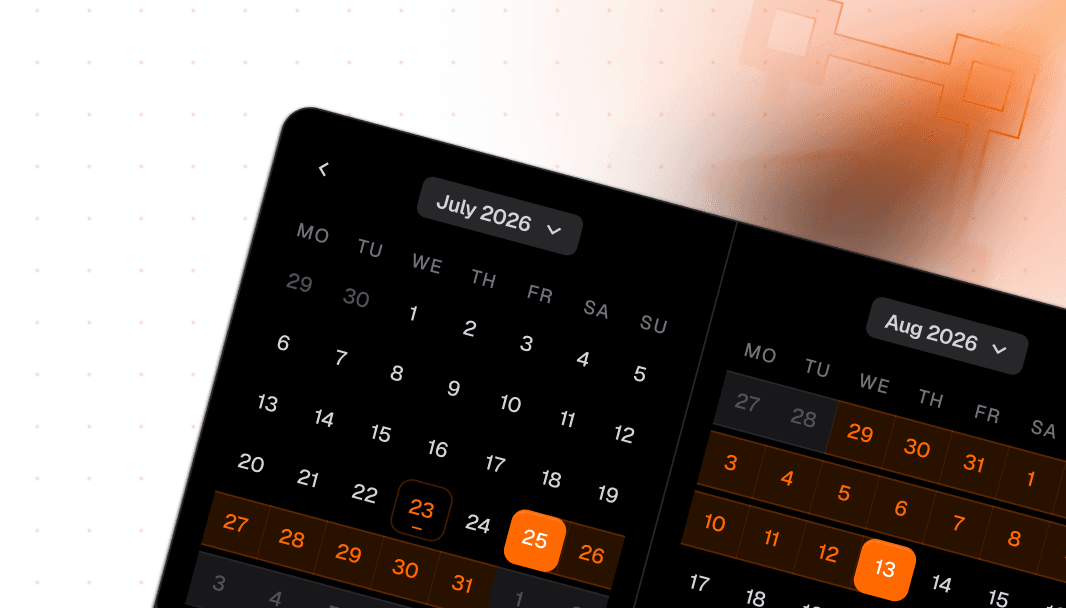
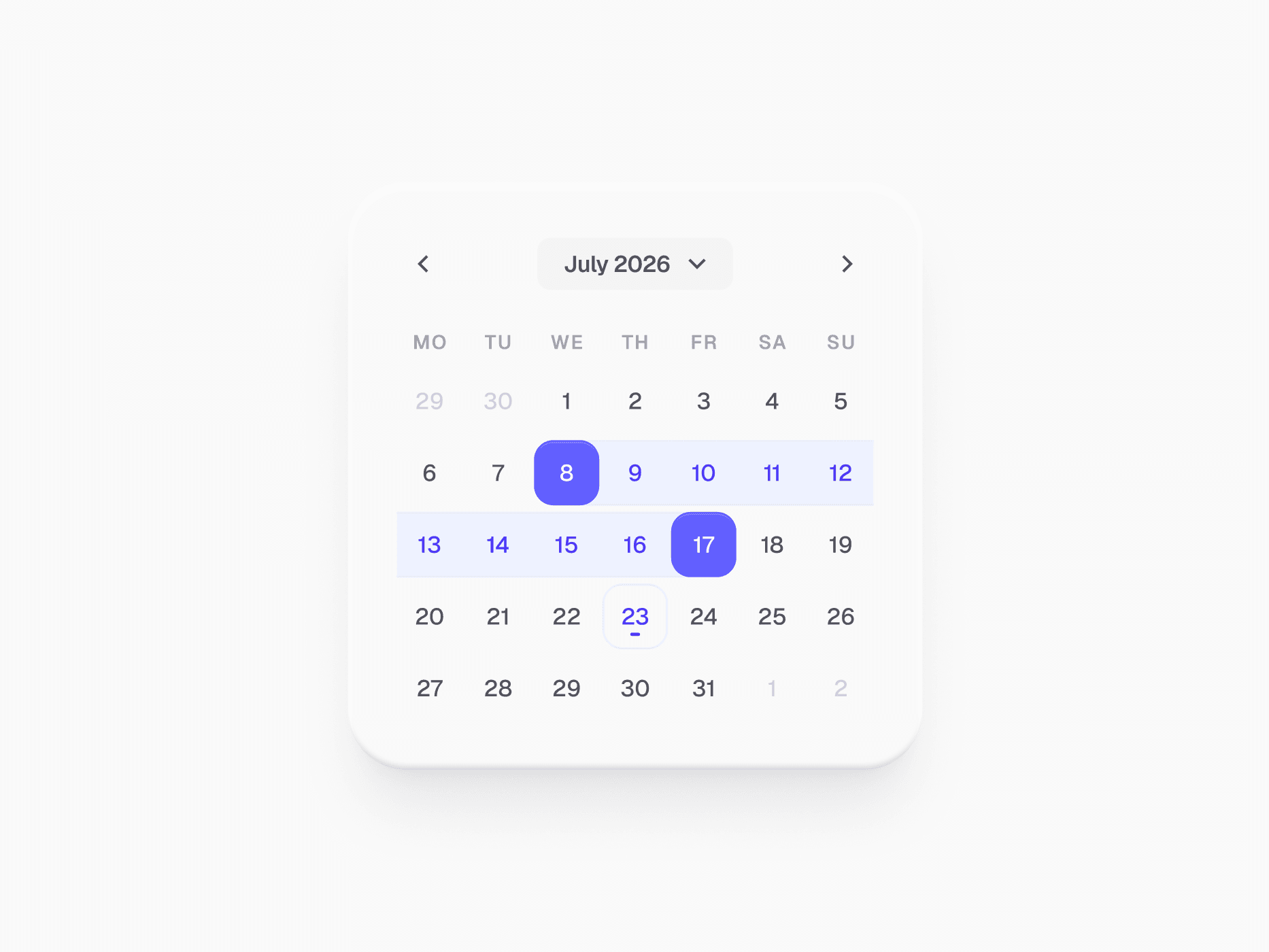
A React date picker for Tailwind CSS: 7 picker variants from single dates to two-month ranges, with presets, a time column, and Clear and Apply actions.








Loved by 2,000+ users worldwide.
Overview
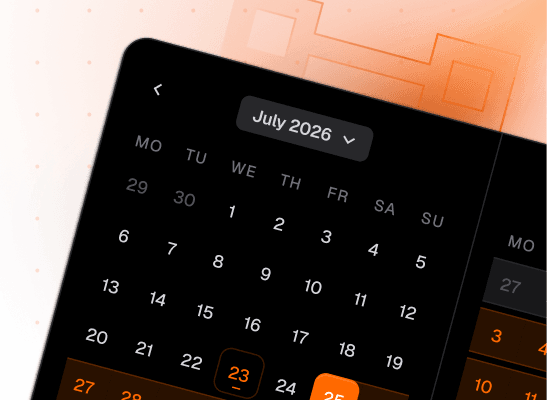
Date Picker is the calendar surface for every date, month, and year selection. It covers 7 picker variants across single and split layouts: Single Date, Split Date, Single Date Range, Split Date Range, Single Month, Split Month and Year, and Single Year. The full picker adds a presets column (Today, Last 7 days, This month), an optional time column, and a footer with Clear and Apply, and opens from a trigger that looks and sizes like an Input. It comes in Primary and Neutral appearances and lg and md sizes, with keyboard and screen reader support from React Aria.
Figma Preview
When should you use them?
Use Date Picker when a date should be picked from a grid instead of typed: booking forms, due dates, report filters, and analytics ranges. Reach for Date Input when people type a known date like a birthday, and render the Calendar on its own when it should always stay visible.
How should you use them?
- Pick the variant from the task: a single date for a deadline, a split range for a report period, month or year pickers for billing cycles.
- Add presets for the ranges people choose most often, so a common filter is one click.
- Keep Clear and Apply in the footer for filters, so the query runs once when the choice is final, not on every tap.
- Use lg for full-page booking flows and md for form fields, dropdowns, and popovers.
- Use the Neutral appearance where the picker should not carry brand color, and wrap the trigger in a Field for a label and validation.
Questions,
answered clearly.
Plans, pricing, licensing, updates, and technical questions, all answered in one place.
Still have questions?


Your current plan is a one-time payment, no subscriptions, no recurring charges for what you buy today. Some future Create UI products (such as AI-powered features) may be offered as optional add-on subscriptions, but these are entirely separate and will never affect your existing purchase. What you buy now, you own permanently.

Stop deciding. Start shipping.
Install it today and your next screen takes an hour instead of a day. Keep rebuilding from scratch, and next quarter looks exactly like this one.
Start Free Now. Upgrade whenever you need.



