Placeholder Logos
11 placeholder brand logos for React and Figma: lockup, mark, and badge types in brand or neutral colors, solid or gradient, for mockups and templates.








Loved by 2,000+ users worldwide.
Overview
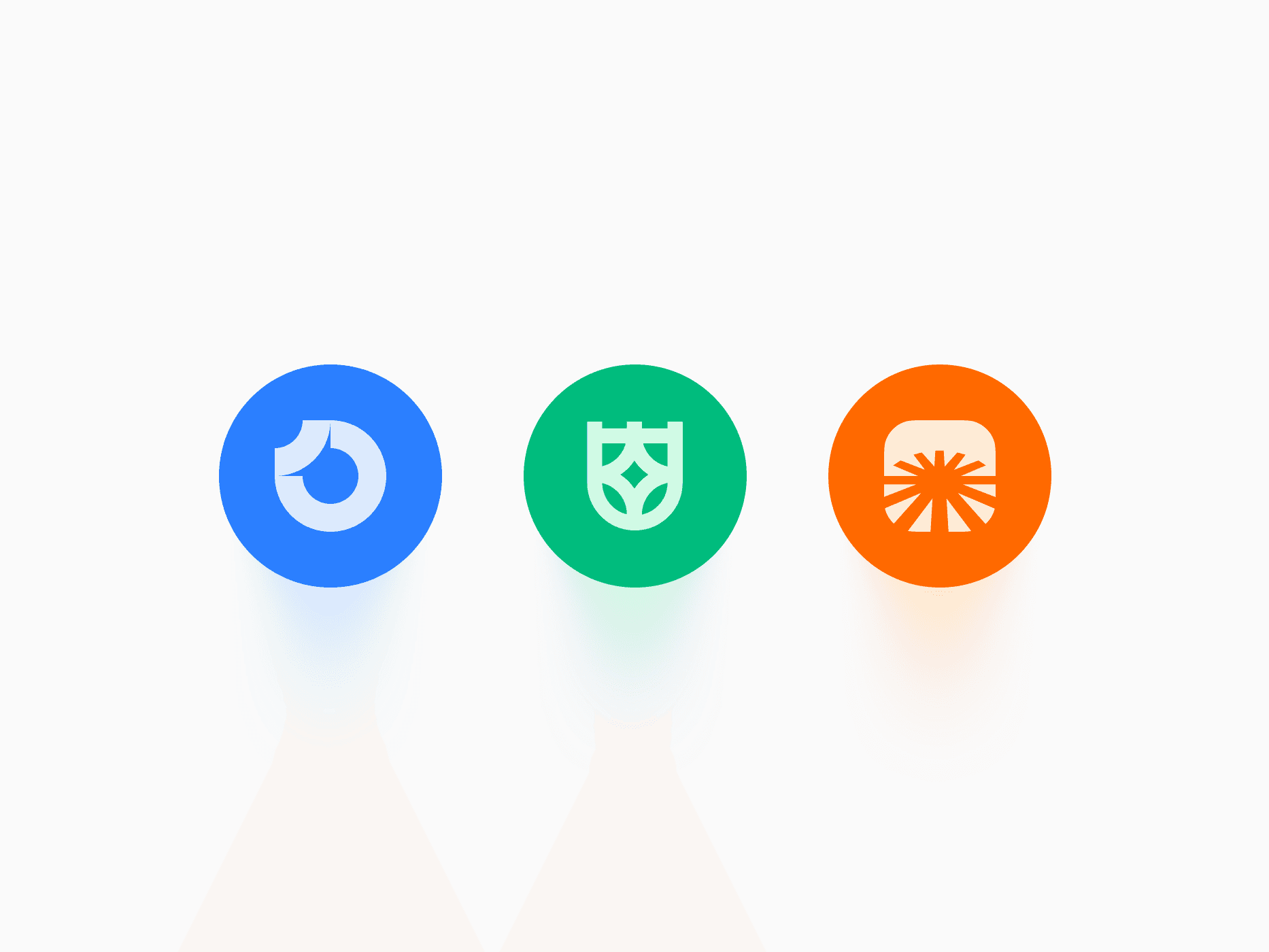
Placeholder Logos are fictional brand marks for mockups, templates, and components that need brand-agnostic visuals. The set has 11 brands (Orbit, Spark, Nexus, Prism, Wellspring, Oasis, Vertex, Sentinel, Atlas, Bloom, and Create UI), each as a full lockup, a mark on its own, or a round badge, in brand color or neutral monochrome with a solid or gradient fill. In code they ship as the Placeholder Logo component, which follows dark mode and your primary color on its own.
Figma Preview
When should you use them?
Use placeholder logos while a design is in progress or when it ships as a template: sign-in cards, header and sidebar brand slots, customer logo walls, testimonials, and integration grids. Swap them for the real logo once you know which brand you can show, and use Brand icons for real companies.
How should you use them?
- Use the lockup where there is room for a name and the mark in tight spots like a collapsed sidebar.
- Use the badge for avatars, app icons, and logo walls that need a consistent tile.
- Pick the neutral variant for quiet logo walls and the brand variant where the logo should stand out.
- Keep the logos at one height in a row, so the section reads as balanced.
- Replace placeholders with real logos before a live launch, and never present them as actual customers.
Questions,
answered clearly.
Plans, pricing, licensing, updates, and technical questions, all answered in one place.
Still have questions?


Your current plan is a one-time payment, no subscriptions, no recurring charges for what you buy today. Some future Create UI products (such as AI-powered features) may be offered as optional add-on subscriptions, but these are entirely separate and will never affect your existing purchase. What you buy now, you own permanently.

Stop deciding. Start shipping.
Install it today and your next screen takes an hour instead of a day. Keep rebuilding from scratch, and next quarter looks exactly like this one.
Start Free Now. Upgrade whenever you need.



