Table
A React data table for Tailwind CSS: sorting, row selection, resizable and pinned columns, sticky headers, and rich rows. Built on React Aria, in Figma and React.








Loved by 2,000+ users worldwide.
Overview
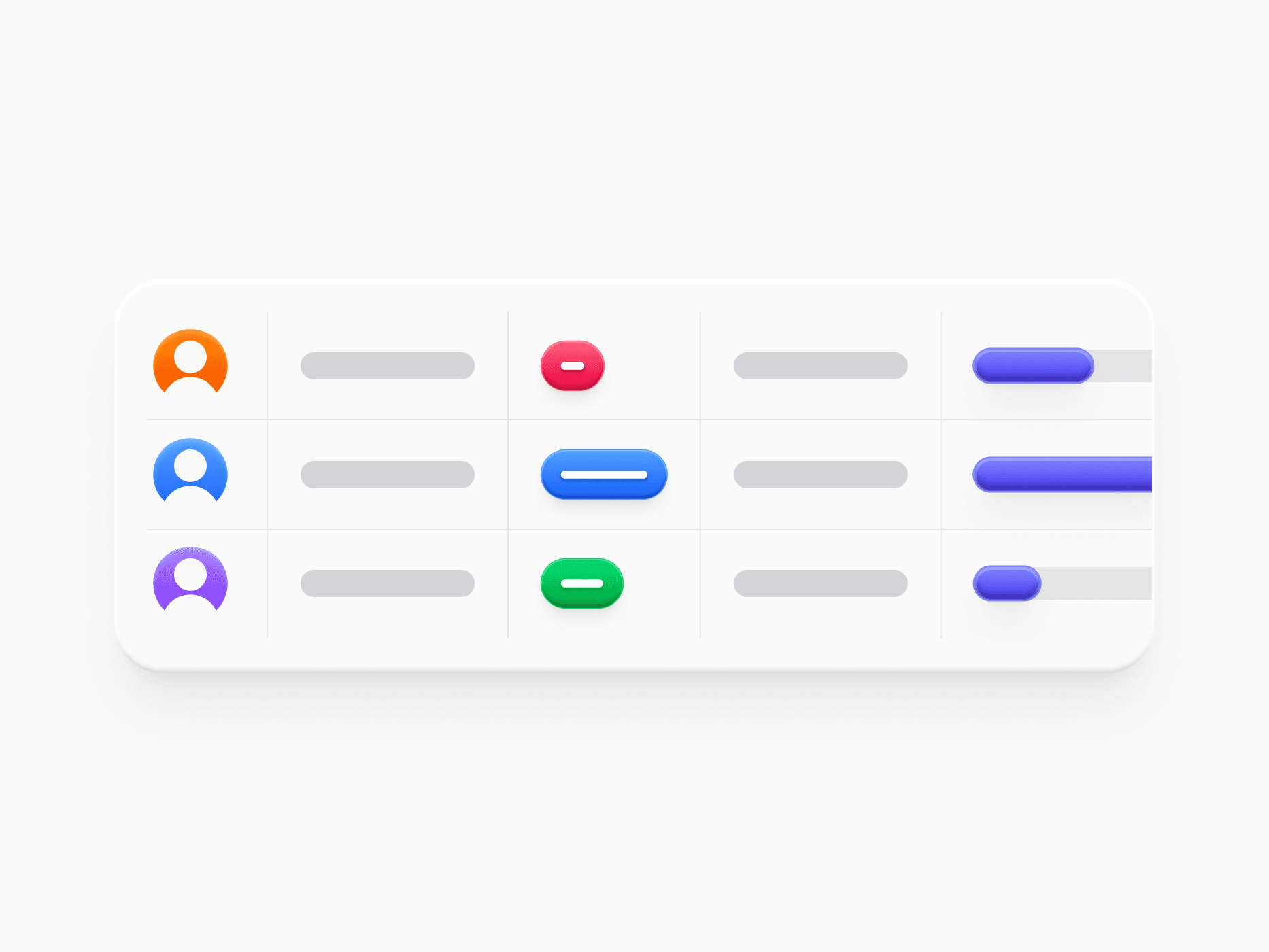
Table is a real HTML table built on React Aria. It supports sorting, single and multiple row selection, resizable and pinnable columns, a sticky header over horizontal scroll, drag-and-drop reordering, and empty, loading, and load-more states. In Figma, Table Row covers 26 semantic variants across Actions, People, Content, Media, and Metrics, from avatars and file listings to payment methods, progress bars, ratings, and trend sparklines, with a two-line md and a single-line sm density.
Figma Preview
When should you use them?
Use Table for any record grid that people scan, compare, sort, or select: orders, users, invoices, files, and analytics. For a handful of static rows without interaction, simple markup is enough, and for card-style content use a grid of surfaces instead.
How should you use them?
- Use the md density for rows with a title and a description, and sm for dense lists where the title alone identifies the row.
- Pin identifying columns like name or ID so they stay visible while people scroll horizontally.
- Enable sorting on the columns people compare, and show selected and disabled states on the row itself.
- Show only the elements a row needs, like a badge, a description, or a checkbox, instead of filling every cell.
- Put a Filter Bar above the table and Pagination or load-more below it for long datasets.
Questions,
answered clearly.
Plans, pricing, licensing, updates, and technical questions, all answered in one place.
Still have questions?


Your current plan is a one-time payment, no subscriptions, no recurring charges for what you buy today. Some future Create UI products (such as AI-powered features) may be offered as optional add-on subscriptions, but these are entirely separate and will never affect your existing purchase. What you buy now, you own permanently.

Stop deciding. Start shipping.
Install it today and your next screen takes an hour instead of a day. Keep rebuilding from scratch, and next quarter looks exactly like this one.
Start Free Now. Upgrade whenever you need.



