





Info Tooltip
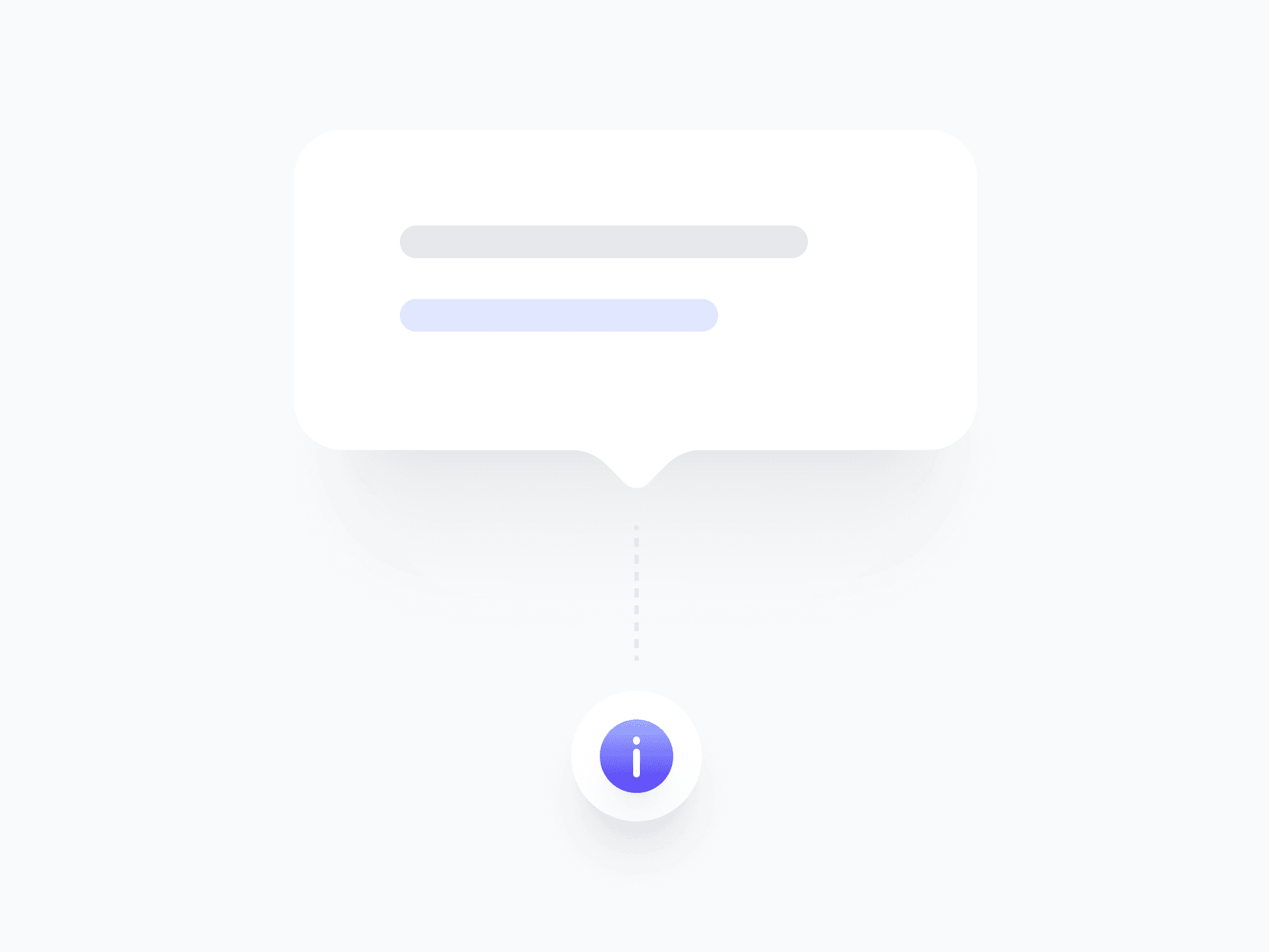
An expanded tooltip for contextual explanations that need more than a single line. Info Tooltip uses Figma's Slot feature to accept any component as its trigger, with 5 variants and flexible placement, ready in Figma and React.








Loved by 2,000+ users worldwide.
Overview
Info Tooltip is an expanded tooltip for contextual explanations that need more than a single line. Powered by Figma's native Slot feature, it accepts any component as its trigger, an icon, button, badge, or custom element. For one-line hints use Tooltip, and for rich content with images or actions use Popover.
Figma Preview
When should you use them?
Use an info tooltip when a hint needs more than one line but doesn't require images, actions, or structured layout, like explaining a setting, clarifying a term, or adding context to a label. Bind it to a clear trigger, such as an info icon next to the element it explains.
How should you use them?
- Use an info tooltip for multi-line explanations; use Tooltip for one-liners and Popover for rich content.
- Bind it to a clear trigger, like an info icon, so users know help is available.
- Use the alignment options (Start, Center, End) to place the panel precisely against its trigger.
- Trigger on hover and focus so both mouse and keyboard users can reach it.
- Keep the explanation concise even though it can wrap, so it stays scannable.
- Make sure the content is reachable by keyboard and screen readers.
Questions,
answered clearly.
Plans, pricing, licensing, updates, and technical questions, all answered in one place.
Still have questions?


Your current plan is a one-time payment, no subscriptions, no recurring charges for what you buy today. Some future Create UI products (such as AI-powered features) may be offered as optional add-on subscriptions, but these are entirely separate and will never affect your existing purchase. What you buy now, you own permanently.

Stop deciding. Start shipping.
Install it today and your next screen takes an hour instead of a day. Keep rebuilding from scratch, and next quarter looks exactly like this one.
Start Free Now. Upgrade whenever you need.



