Filter Bar
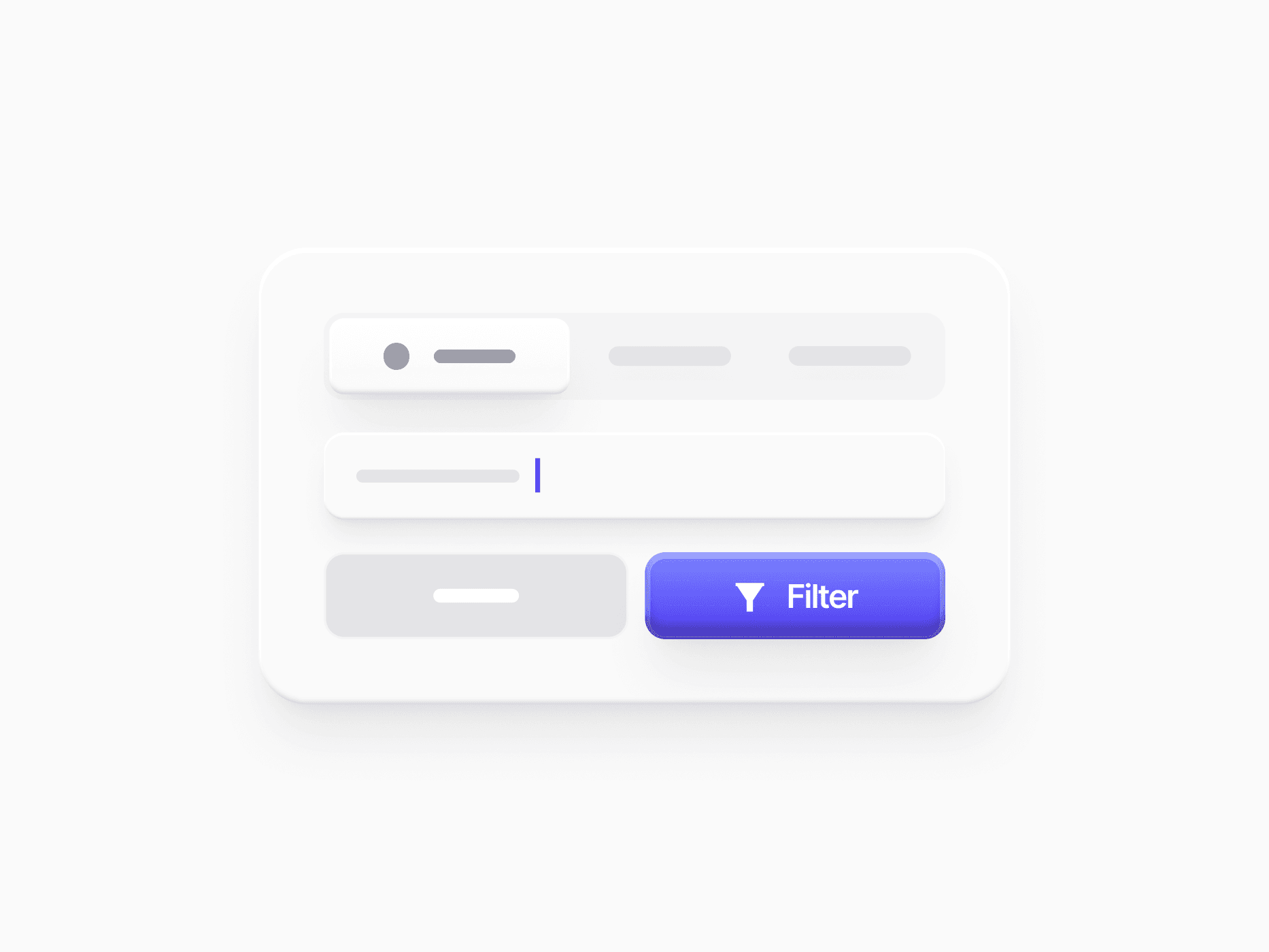
A React filter bar for tables and lists: segmented, tab menu, search, and bulk-action variants, active filter chips, and 2 sizes. Ready in Figma and React.








Loved by 2,000+ users worldwide.
Overview
Filter Bar is the horizontal control strip above tables, lists, and grids. It carries the primary filter surface, secondary controls like search, a filter dropdown, or a view switcher, and the primary action in one scannable row. It comes in 4 variants (Segmented Control, Tab Menu, Search, and Selected) and 2 sizes, and stacks into a mobile layout on narrow screens. Its Filter Result row shows the active filters as chips, grouped by category, each with its own dismiss and a Clear all action.
Figma Preview
When should you use them?
Use Filter Bar above data-heavy views: order lists, user tables, file managers, and admin screens where people search, filter, and act on many rows at once. For a single search field on its own, an Input with a leading icon is enough.
How should you use them?
- Choose the variant by how people browse: Segmented Control for fixed states, Tab Menu for categories with counts, Search for text-driven scanning.
- Switch to the Selected variant when rows are selected, so the bar turns into Delete, Archive, Export, and Clear selection.
- Show the active filters in a Filter Result row, so people can see and undo them one chip at a time.
- Use md for standard product tables and sm for dense data grids and admin tools.
- Set the size once on the bar and let every control inside inherit it.
Questions,
answered clearly.
Plans, pricing, licensing, updates, and technical questions, all answered in one place.
Still have questions?


Your current plan is a one-time payment, no subscriptions, no recurring charges for what you buy today. Some future Create UI products (such as AI-powered features) may be offered as optional add-on subscriptions, but these are entirely separate and will never affect your existing purchase. What you buy now, you own permanently.

Stop deciding. Start shipping.
Install it today and your next screen takes an hour instead of a day. Keep rebuilding from scratch, and next quarter looks exactly like this one.
Start Free Now. Upgrade whenever you need.



