



Spacing
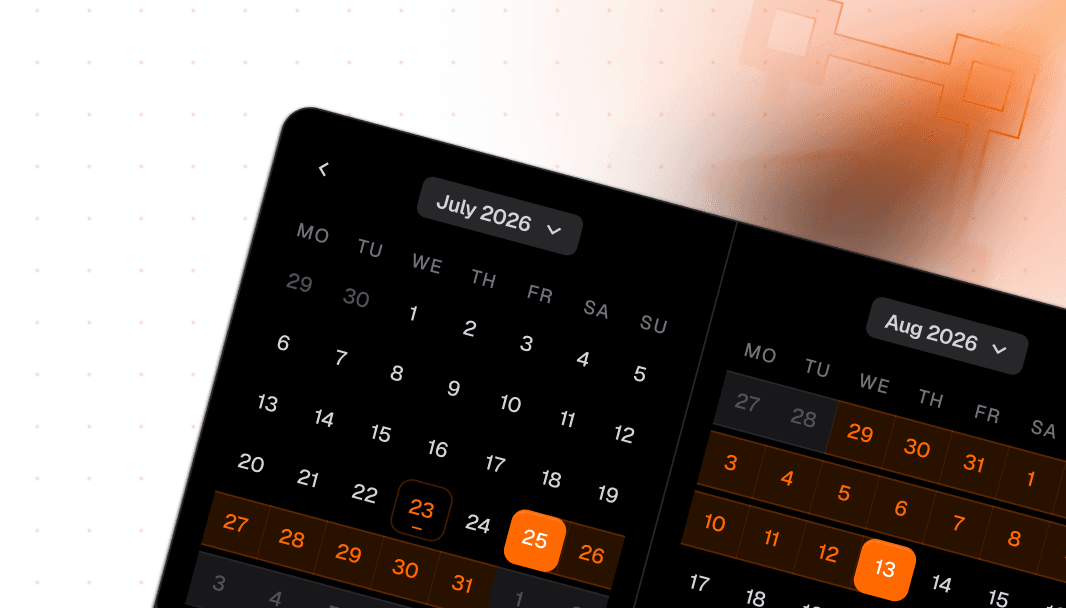
The spacing scale that defines consistent rhythm across the entire system. Spacing includes 15 static tokens and 18 responsive tokens, all token-based and ready in Figma and React.








Loved by 2,000+ users worldwide.
Overview
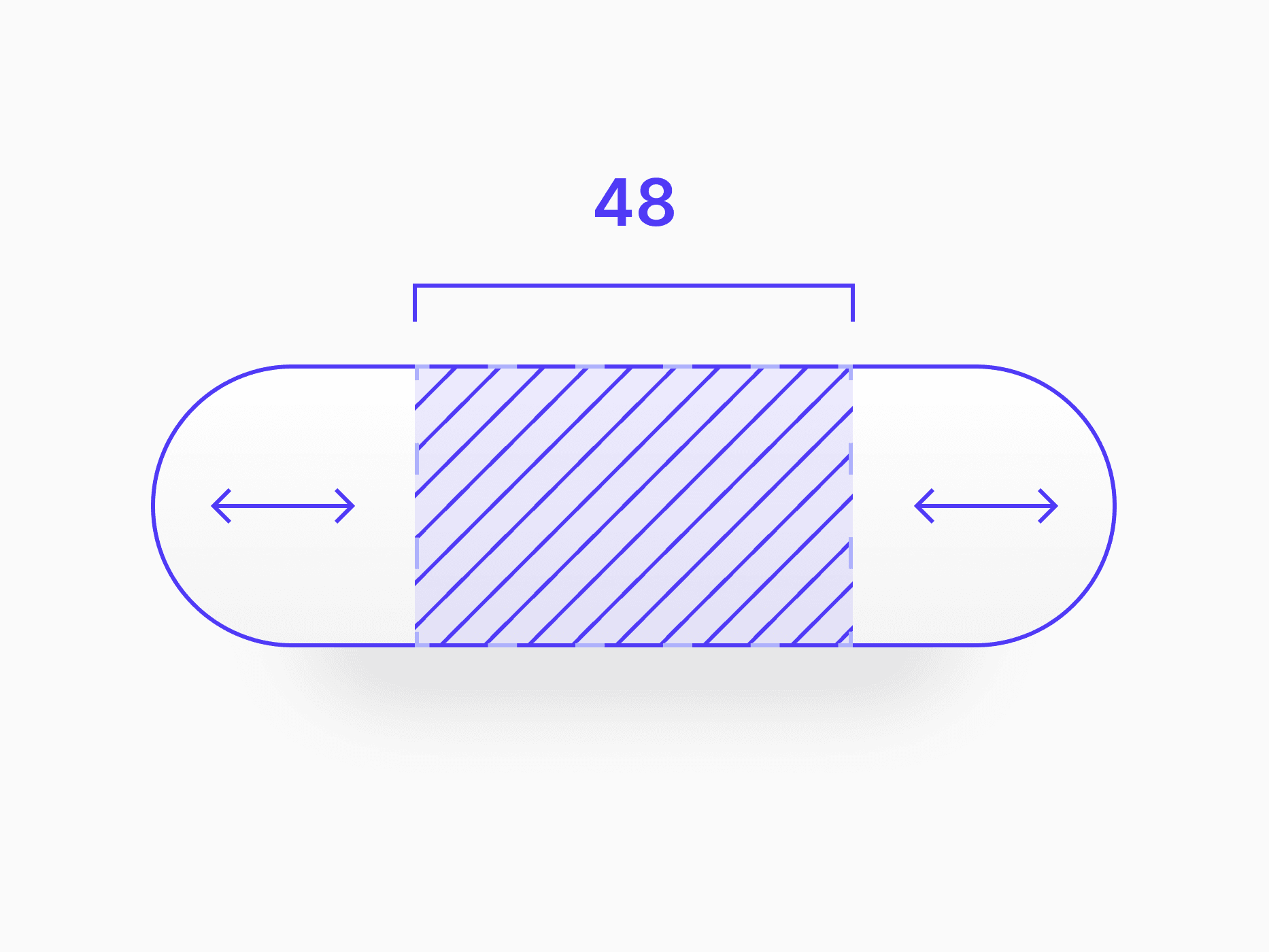
Spacing is Create UI's scale for gaps, padding, and margins. A consistent set of tokens creates visual rhythm across every component, list, card, and layout, with static tokens for fixed steps and responsive tokens that scale across breakpoints.
Figma Preview
When should you use them?
Use spacing tokens whenever you set a gap, padding, or margin, instead of typing a raw pixel value. They keep spacing consistent across the system, so every component and layout shares the same rhythm and updates together when a token changes.
How should you use them?
- Use a spacing token for every gap, padding, and margin, not a hardcoded pixel value.
- Follow the scale's steps rather than inventing in-between values, so the rhythm stays consistent.
- Use larger steps to separate unrelated sections and smaller steps to group related elements.
- Use responsive spacing tokens for layout and section gaps, so spacing steps down cleanly on tablet and mobile.
- Reference static space tokens through responsive tokens, keeping a single source of truth.
- Keep enough spacing around interactive elements so touch targets stay comfortable and accessible.
Questions,
answered clearly.
Plans, pricing, licensing, updates, and technical questions, all answered in one place.
Still have questions?


Your current plan is a one-time payment, no subscriptions, no recurring charges for what you buy today. Some future Create UI products (such as AI-powered features) may be offered as optional add-on subscriptions, but these are entirely separate and will never affect your existing purchase. What you buy now, you own permanently.

Stop deciding. Start shipping.
Install it today and your next screen takes an hour instead of a day. Keep rebuilding from scratch, and next quarter looks exactly like this one.
Start Free Now. Upgrade whenever you need.



