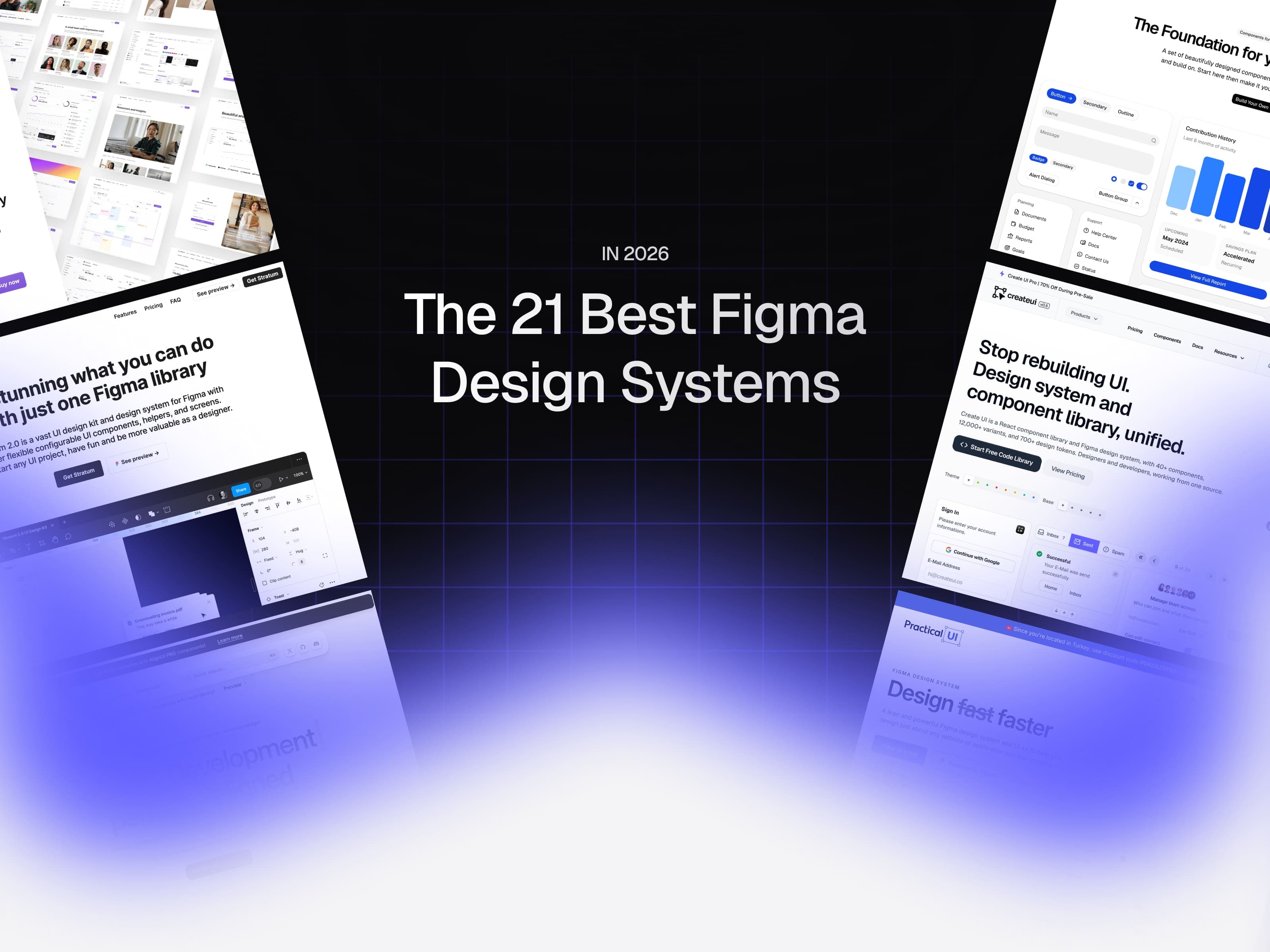








Don't read too much into the ranking. Every system below kills that same problem: staring at a blank canvas, wondering where to even start, and burning hours before you've drawn a single screen. Just pick the one that fits your work best.
- Create UI
- Untitled UI
- Align UI
- Glow UI
- Blank
- Frames X
- shadcn/ui (Figma)
- Ant Design System
- Flowbite
- Preline UI
- MynaUI
- Tailgrids
- Stratum
- Shipfaster UI
- Beyond UI
- Sort UI
- Riddle UI
- Atomize
- Practical UI
- Keep
- Koala UI
Let's talk about what actually makes a design system good
There are thousands of free UI kits floating around Figma Community right now. I'll be blunt: most of them look great in the preview and fall apart the second you try to customize a button. They use fixed dimensions instead of Auto Layout. They hardcode hex values instead of binding colors to tokens. Their variants are organized by someone who has clearly never shipped a real product. Want to change one theme color? Get ready to hunt through 200 fills by hand.
A real design system is the opposite of all that. In 2026 the test is simple: can you open the file, customize the theme to match your brand, and start building screens within 30 minutes? If the honest answer is "first, watch this tutorial," the system already failed.
Three things separate the good from the forgettable this year. First, Figma Variables are no longer a nice-to-have, they're the backbone of every serious system. If color, spacing, and typography aren't coming through tokens, there's no real light/dark or multi-theme support either. Second, Auto Layout 5.0 and properly built component properties. Third, and maybe the most important one, the bridge between design and code. The best systems now use naming that maps to popular frameworks like Tailwind or Radix, which makes a developer's life dramatically easier.
The 21 systems below clear that bar. Every one uses modern Figma features, every one is current, and every one was built to make real products, not pretty previews. Let's get into it.
1. Create UI: A system where design and code speak the same language
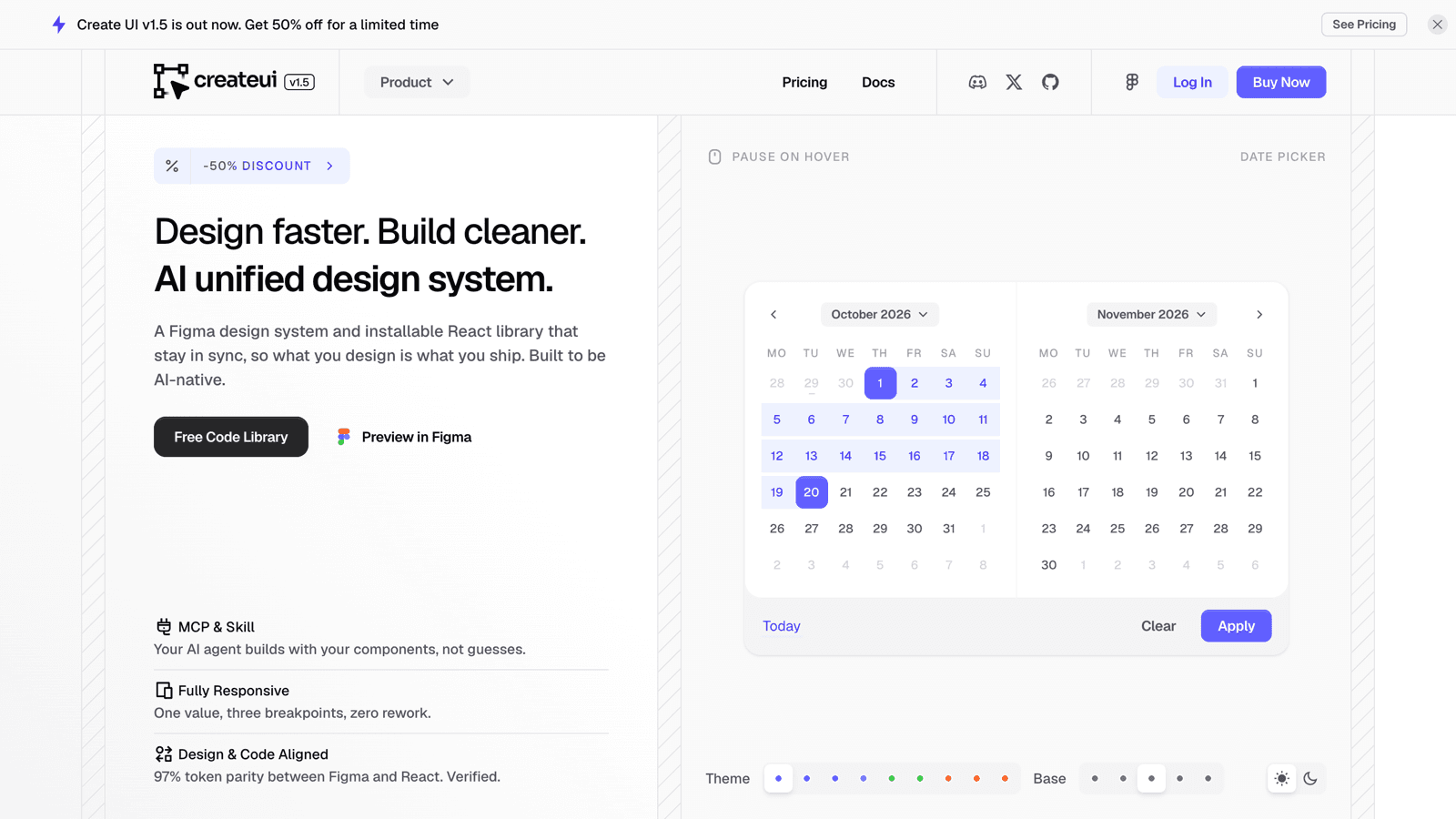
You're going to say "of course you put your own pick first," and fair enough. But what sets Create UI apart is one clear idea: Design = Code. Every token, color, and component you see in Figma shows up on the code side under the exact same name. The system wasn't built just to produce nice screens, it was built so those screens actually get coded.
Create UI ships a React, Tailwind, and Radix component library. Since v1.0 the full Pro code library has been live, at complete parity with the Figma system. The same components you design are the exact components you ship. No gap, no rebuild, no drift.
v1.5 goes a step further with 73 ready-made blocks: sign-in and sign-up screens, dropdown menus, header and sidebar navigation, modals, and section headers, all composed from the same components and live in both Figma and code. It also adds a full set of AI chat components, so you can design and build an AI product without leaving the system.
The Figma side runs entirely on variables. As of v1.5 you get 950+ variables and styles, including 140+ prebuilt styles (77 text styles, 55 shadows, 14 blurs), and separate, properly defined values for light and dark mode as well as responsive breakpoints. Because colors, type scale, spacing, and radius all flow through tokens, you change the theme in one place and it ripples across the whole system.
The real edge is in variant depth. Most kits hand you three or four base looks and call it a day. Create UI ships 80+ core components and 18,500+ components and variants in Figma: sizes, states (hover, active, disabled, loading), styles, icon variations, all of it thought through. That oddly specific combination you always end up needing in production? It's probably already in the box.
It's also built to be AI-native. The system is structured so AI tools can read your components and tokens and use the right pieces correctly, so you design with real craft and ship faster with AI on your side.
There's a launch discount on right now, the lowest Create UI will ever be. If you want to design well but also turn that design into solid code, this is the most logical place to start.
2. Untitled UI: The heavyweight reference for Figma design systems
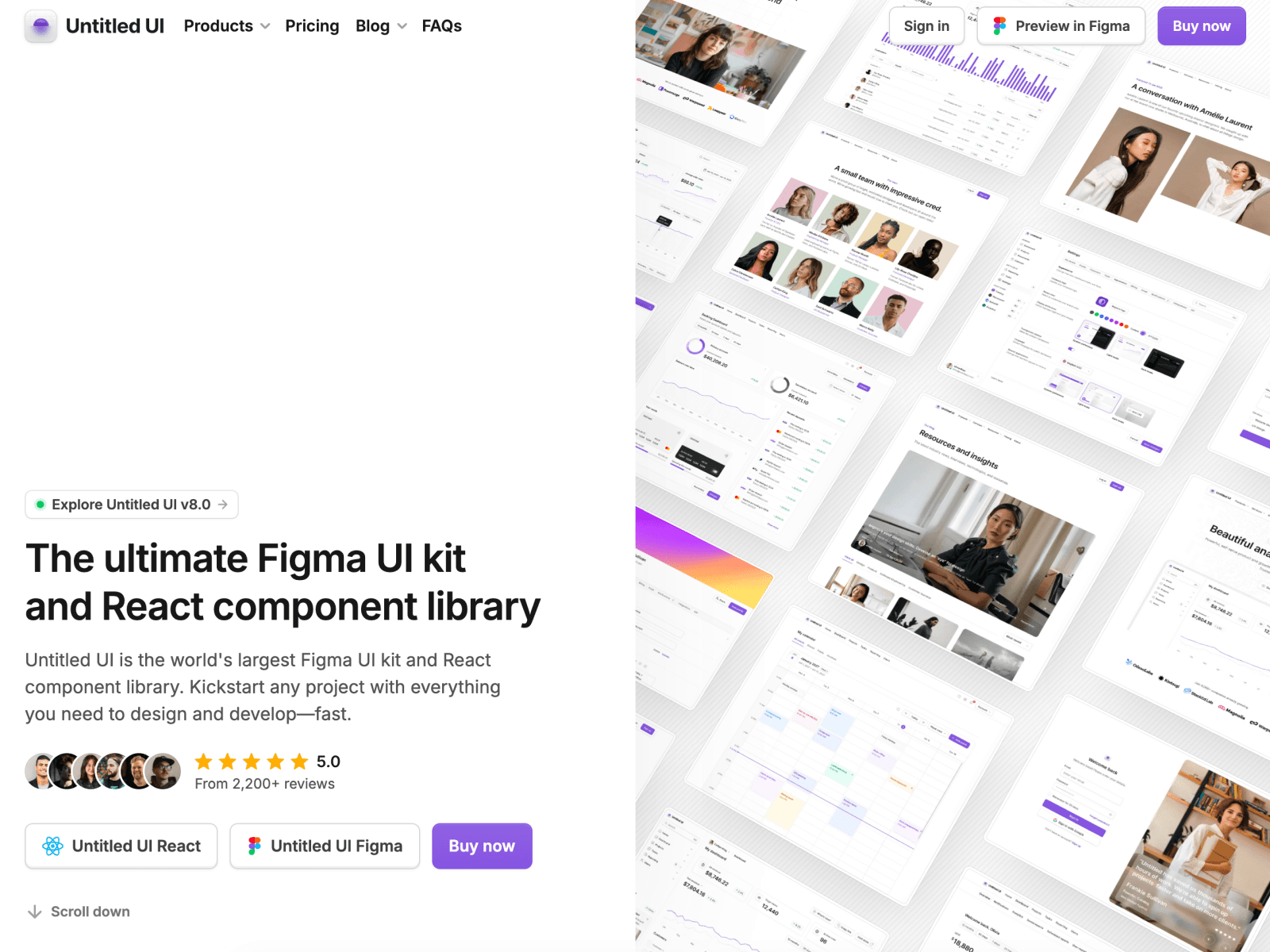
Built by Jordan Hughes, Untitled UI is the industry standard in this category. It backs up the "world's largest Figma UI kit" claim with 10,000+ components, and even the free version is fuller than most competitors' paid packages. What makes it different is that it's a genuine system, not a pile of loose components: it starts with a color scale, a type hierarchy, spacing, and shadow definitions, then builds components on top of that foundation. The color system alone is a masterclass, 9 palettes with 10 shades each. If you're curious how a Figma design system should be structured, just studying the layer naming will teach you something.
3. Align UI: Deep customization built for dashboards
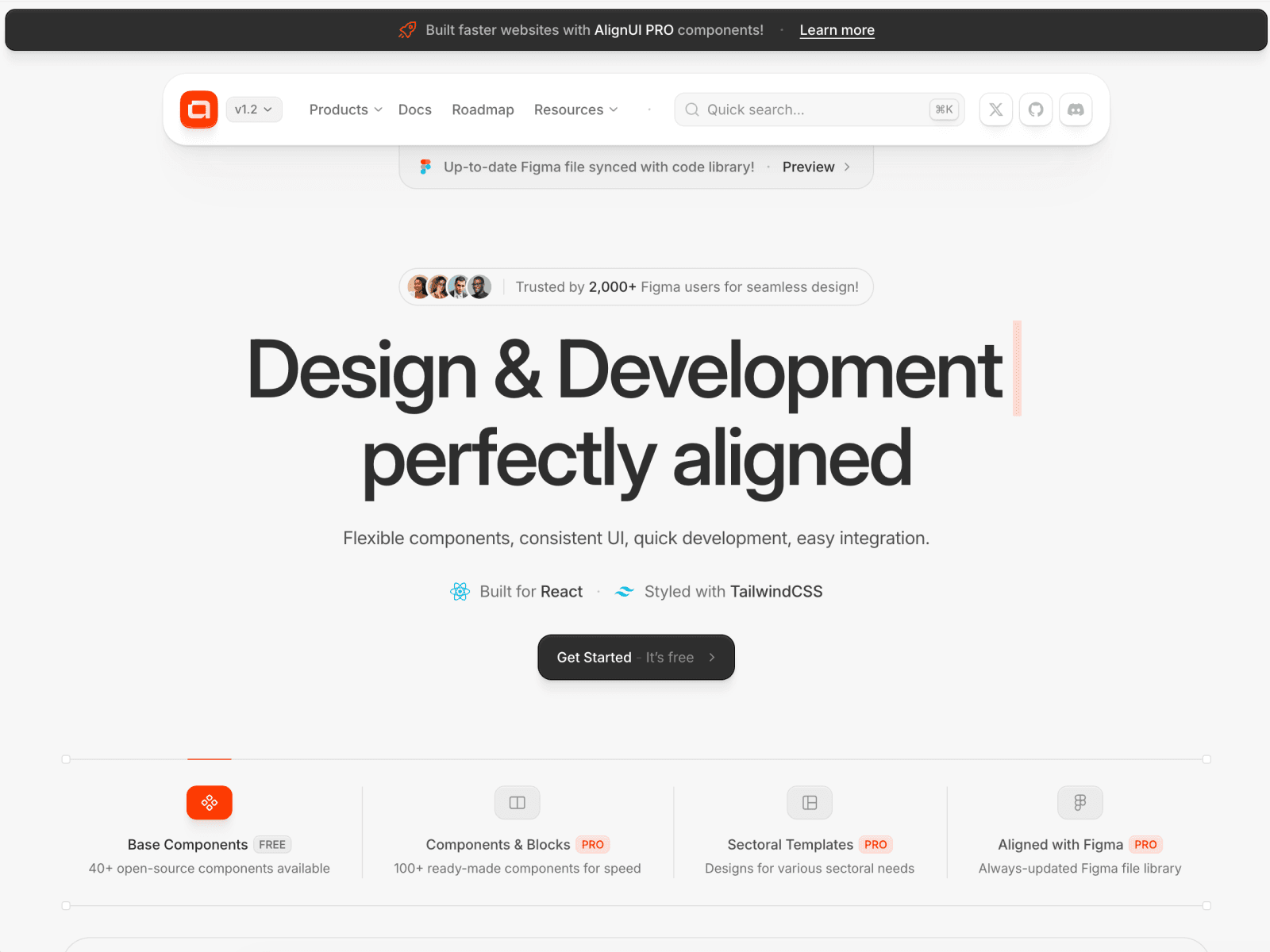
Created by a team led by Erşad Başbağ (yes, a Turkey-based project), Align UI is a design system built specifically for dashboards and complex interfaces. It offers deep customization, and the fact that the entire system is implemented in React code keeps designers and developers fully in sync. It leans toward larger and enterprise teams more than solo designers, but if you live in data-dense interfaces, few systems are this considered.
4. Glow UI: One of the rare systems still getting updates
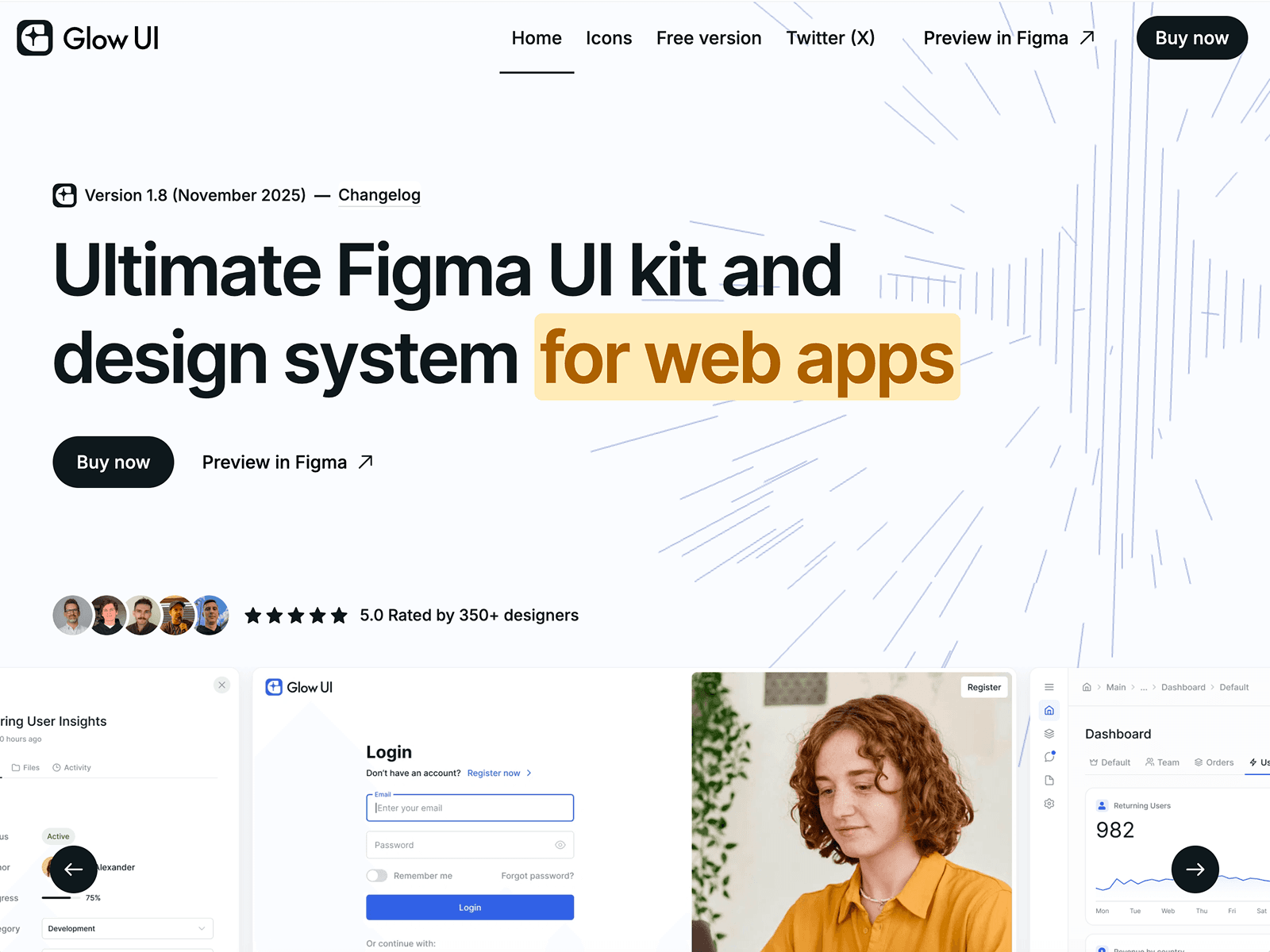
While nearly every popular UI kit stopped updating back in 2025, Glow UI keeps evolving. It uses Auto Layout 5.0 to the fullest, ships a clean component structure, and comes with one of the most ambitious color systems on the market. Multi-theme support is strong: you can spin up dark mode or your own color theme in a few clicks. It strikes a good balance between stability and new features, with regular updates driven by user feedback.
5. Blank: The fastest kit across Figma, Framer, and Webflow
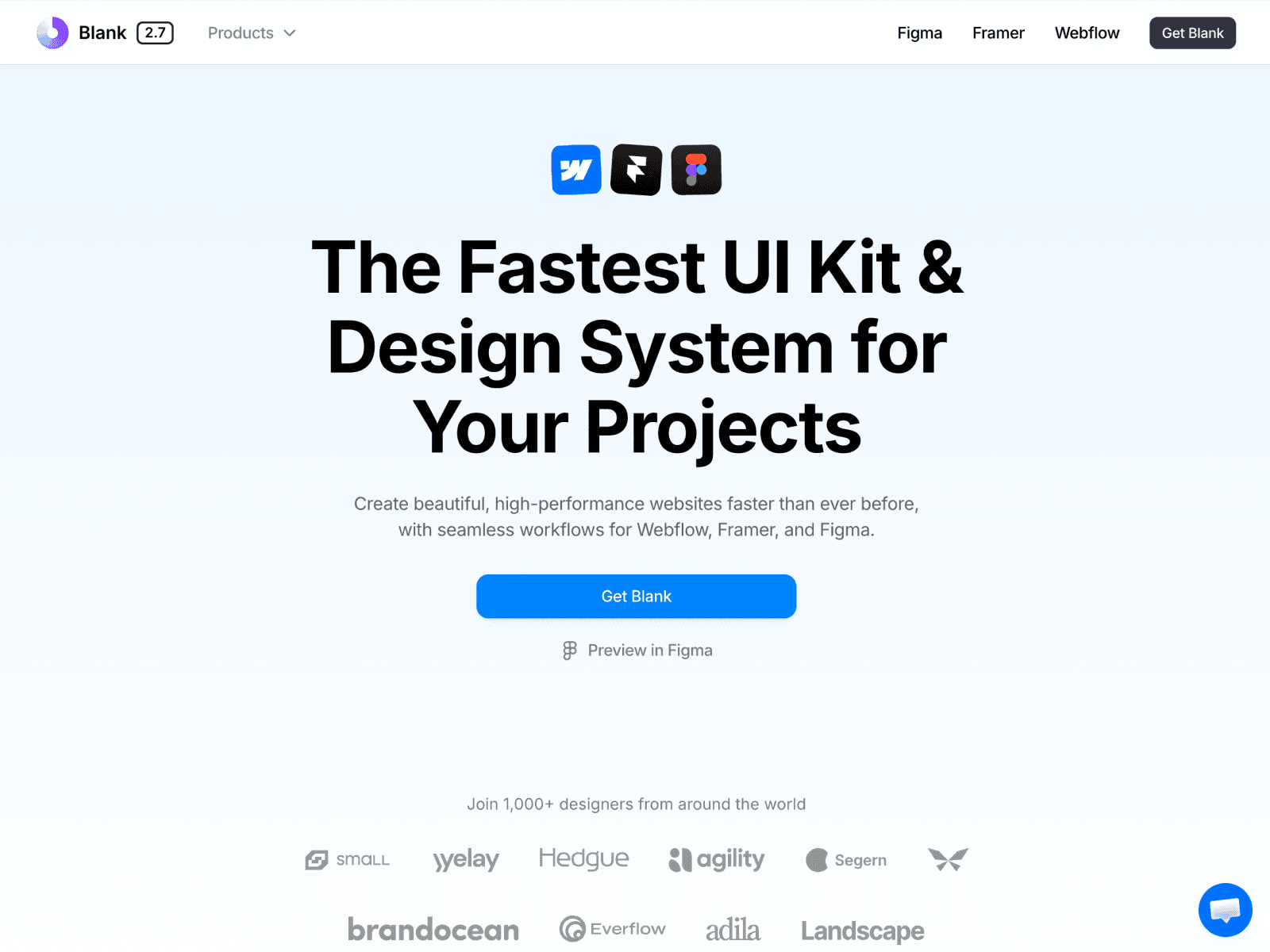
Built by Craftwork, Blank lives up to its "fastest UI kit" tagline by spanning three platforms at once: Figma, Framer, and Webflow. You get 600 variables, 2,500+ Remix icons in outline and solid, and one-click dark mode handled cleanly through Figma variables. Its real strength is the huge landing-page layout library, which lets you assemble polished marketing pages in minutes. There's a free version on Community to try before you commit. A great pick if you want to go from concept to a live site without heavy handoffs.
6. Frames X: A veteran system from the Sketch era
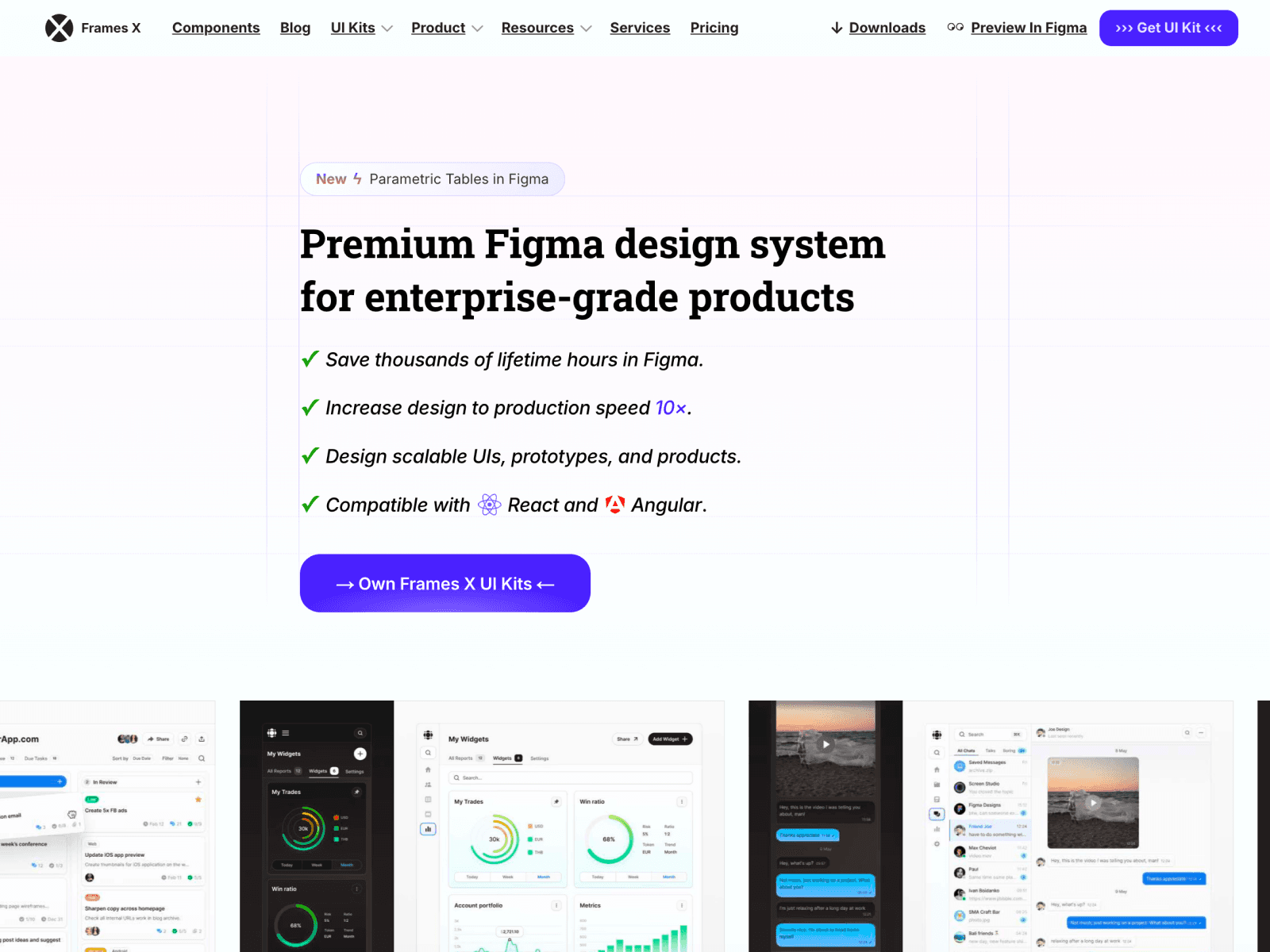
Dmitriy Bunin's Frames X goes back to when Sketch was more popular than Figma, and it was actually the second Sketch design system in the world at the time. Today it's fully focused on Figma, with thousands of components and variants built on Auto Layout, dark mode, and a healthy library of building blocks to get you started. All those years of experience show in how mature the system feels. A solid pick for designers who care more about structure and longevity than flash.
7. shadcn/ui Figma kit: Speak the same language as your dev team
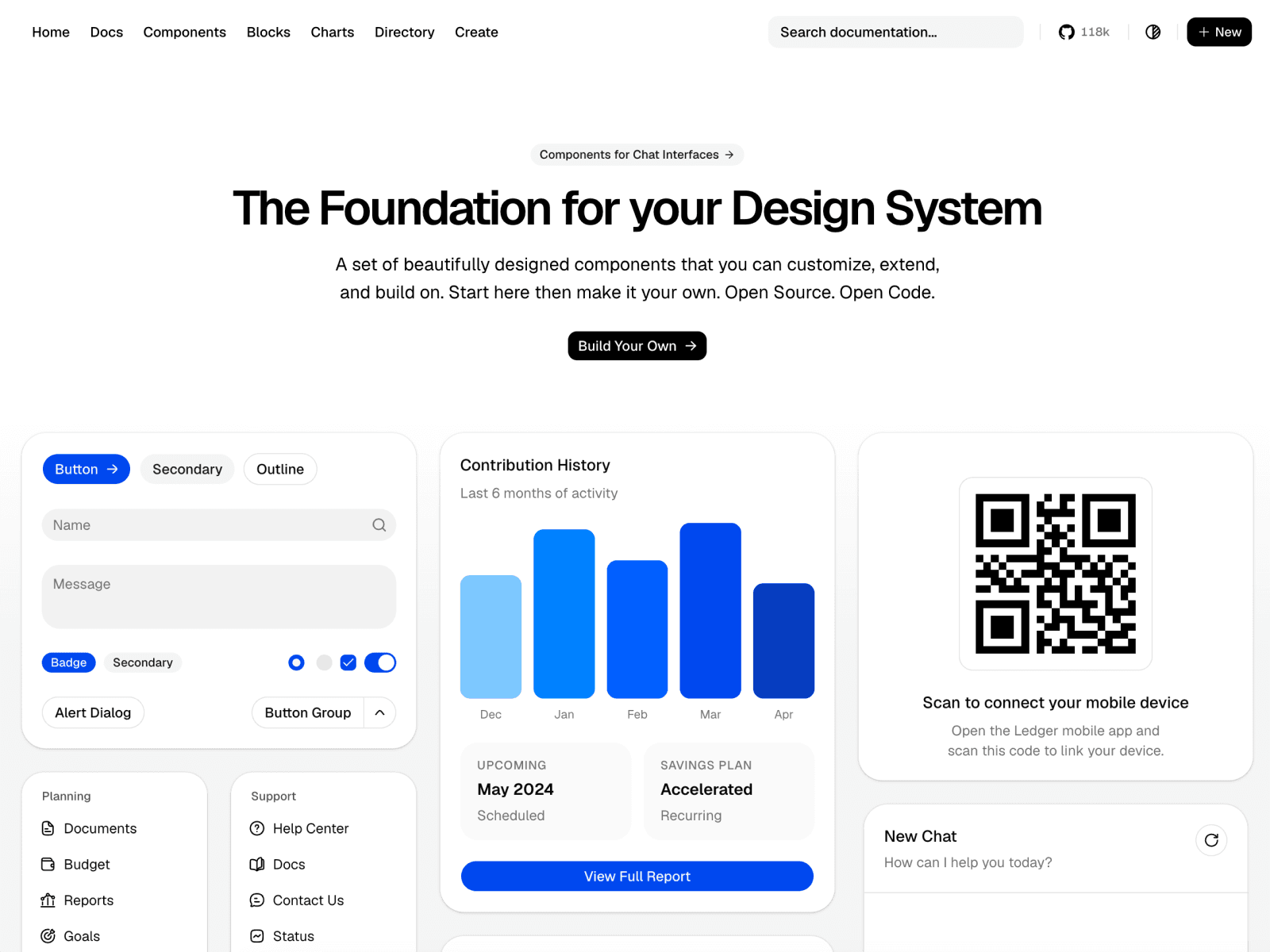
If you're on a team where the developers use shadcn/ui, this kit erases the translation loss in handoff. With 329,000+ Figma Community users, it's one of the most-used free kits out there. Components map 1:1 to the shadcn/ui React library, and Tailwind token values are baked directly into Figma Variables. So whatever you name in Figma is what your developer imports in their editor. The aesthetic is deliberately minimal, a clean base to build your own brand on top of. And it's completely free.
8. Ant Design System for Figma: The master of enterprise and tables
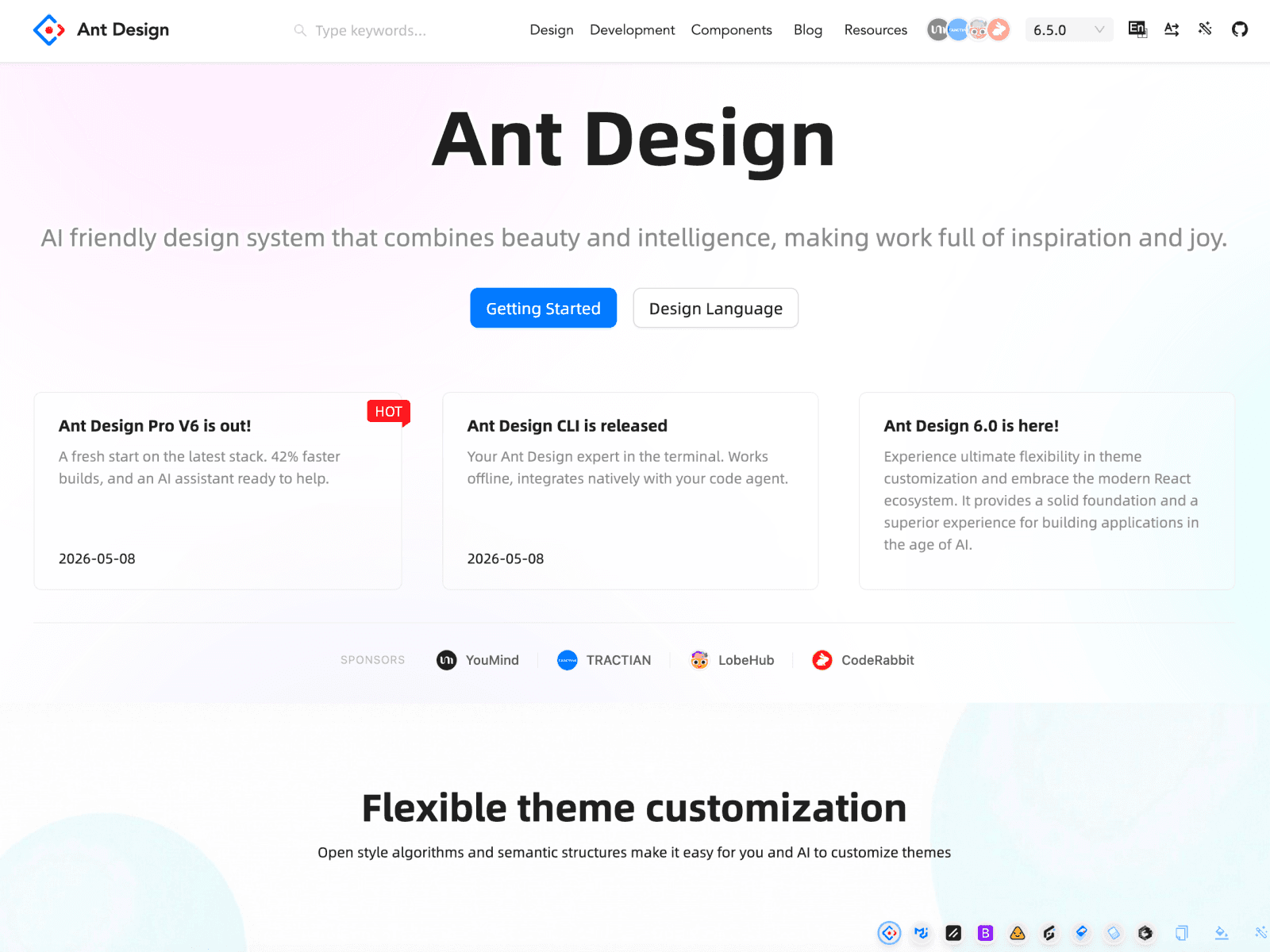
Built by Matt Wierzbicki, this kit brings the popular Ant Design React library into Figma. Just about every component you'd need for SaaS and admin interfaces is here. Its real strength is tables: where most kits treat them as an afterthought, Ant Design makes them a load-bearing pillar of the interface, with advanced filter and form patterns ready to go. There's a free starter version too. The one knock is that the visual language can feel a touch dated in places.
9. Flowbite: A flexible, Tailwind-based design system
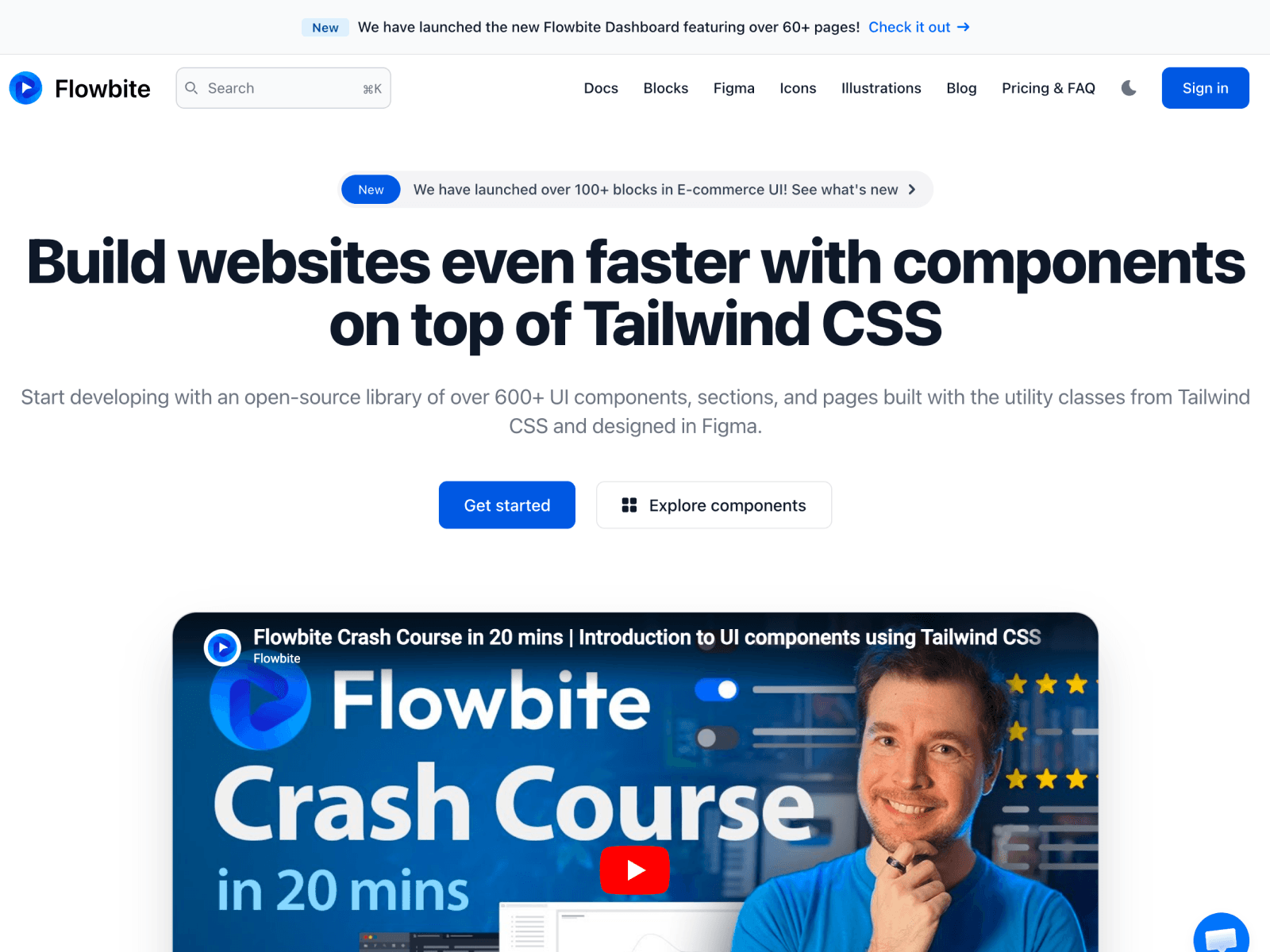
Because Flowbite is built on Tailwind utility classes, moving what you design in Figma over to code takes barely any extra effort. It comes with a Figma design system, dark mode support, and a broad component range. There are both free and paid tiers. Fun detail: they designed their own landing page in Flowbite and coded it with Tailwind, so the storefront is literally their own product.
10. Preline UI: The most generous of the free options
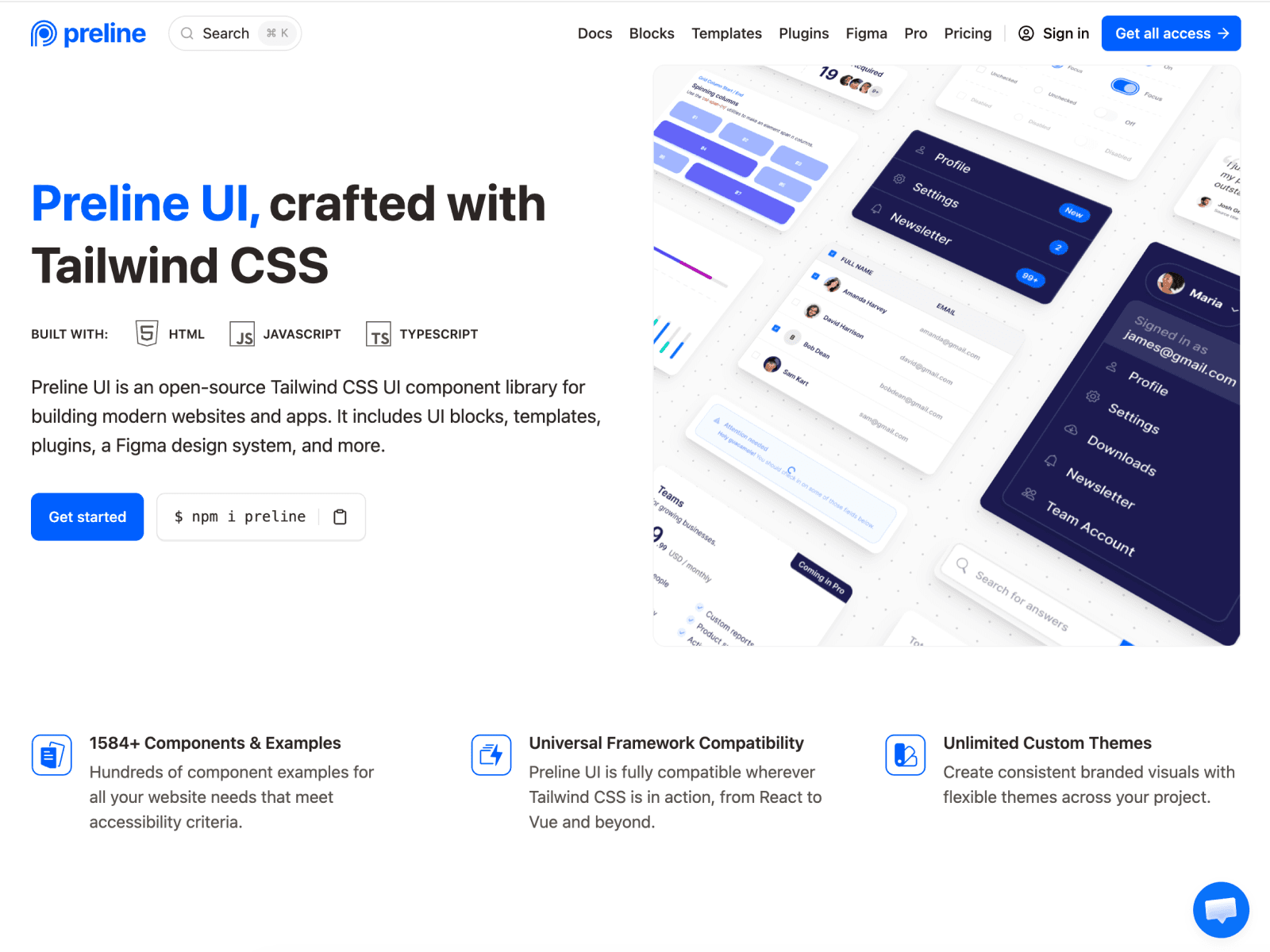
Preline is an open-source system built on Tailwind v4, and with 640+ free components and 200+ layout examples it's one of the fullest options on the free side. It also ships a strong Figma design system. Every element is built to be WCAG-compliant and customizable. If your budget is zero but you don't want to compromise on quality, this might be your first stop.
11. MynaUI: A kit that keeps designers and developers on the same page
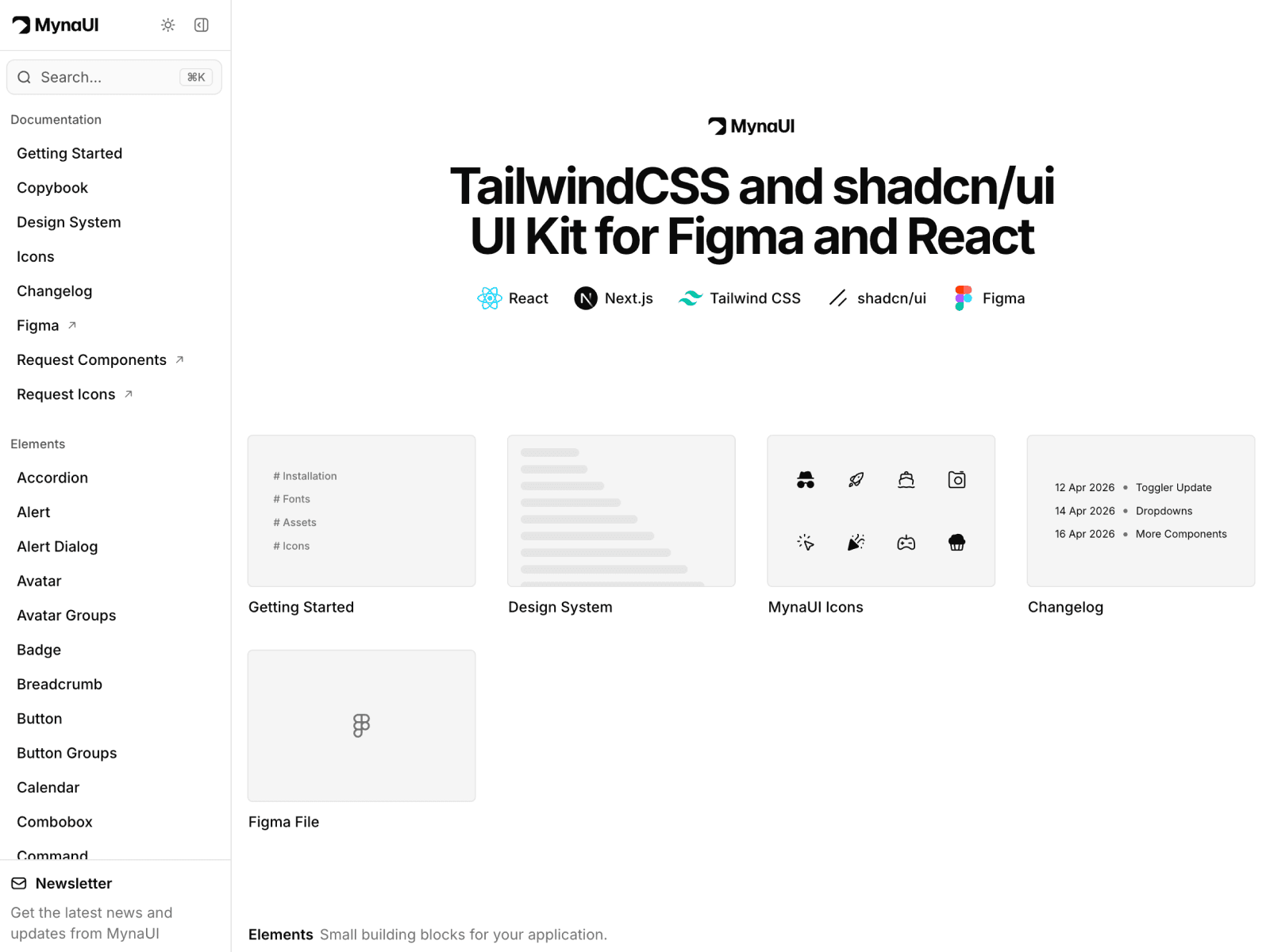
MynaUI leads with a "design system first" approach. The Figma library ships alongside matched React components, so designers and developers stay in sync. You also get 70+ core elements, usage guidance for each pattern, and a separate package of 12,000+ icons. The free tier more than does the job for anyone who cares about design-to-code parity.
12. Tailgrids: A two-sided system maintained by one team
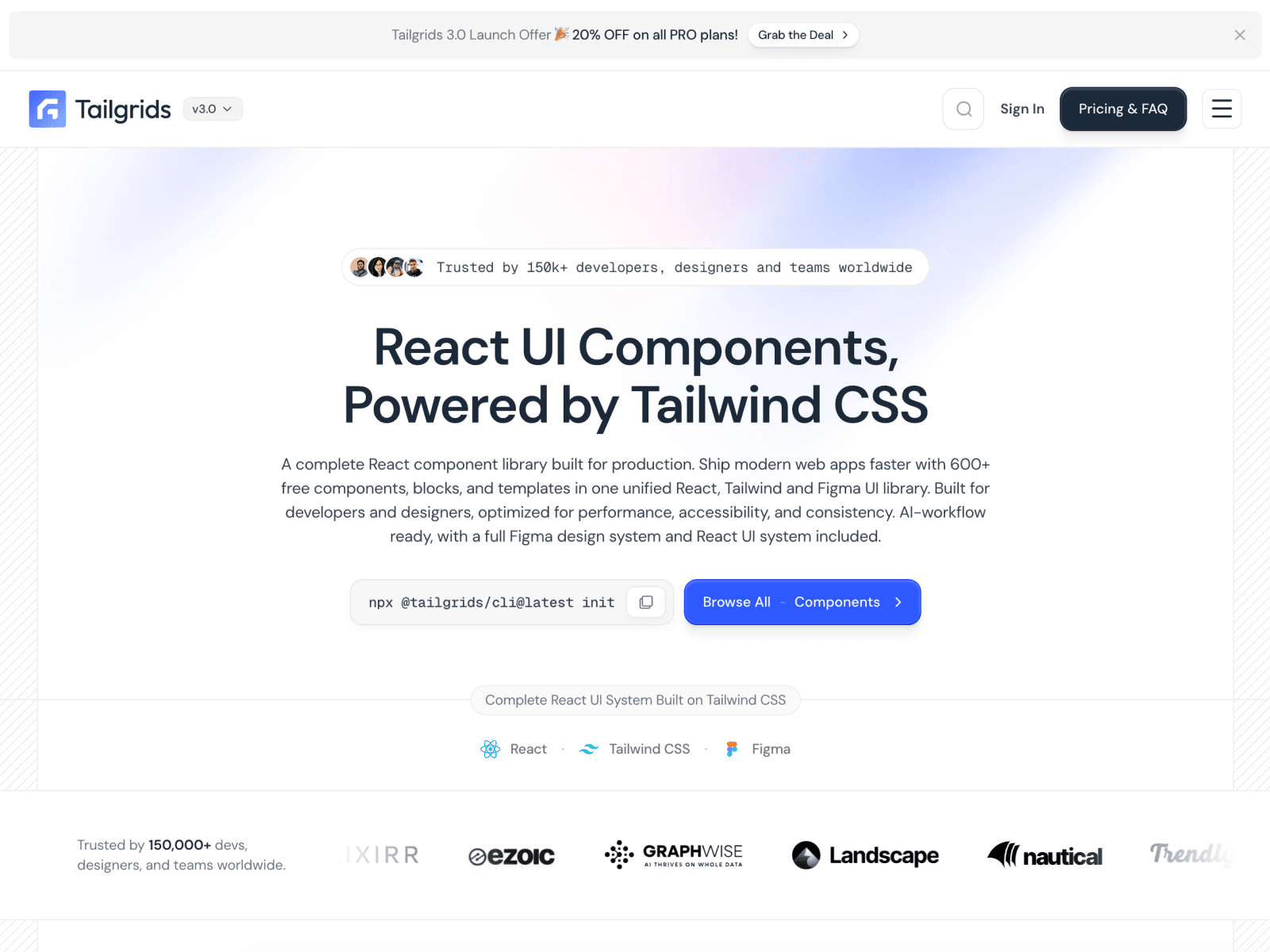
Tailgrids is both a complete Figma UI kit and an open-source React library, used by 70,000+ designers on Figma Community. The most valuable part is that the same team builds and maintains both sides, which keeps the Figma file and the code from drifting apart. The free tier is full, and the Pro version is a one-time purchase.
13. Stratum: One of the largest UI kits you'll find
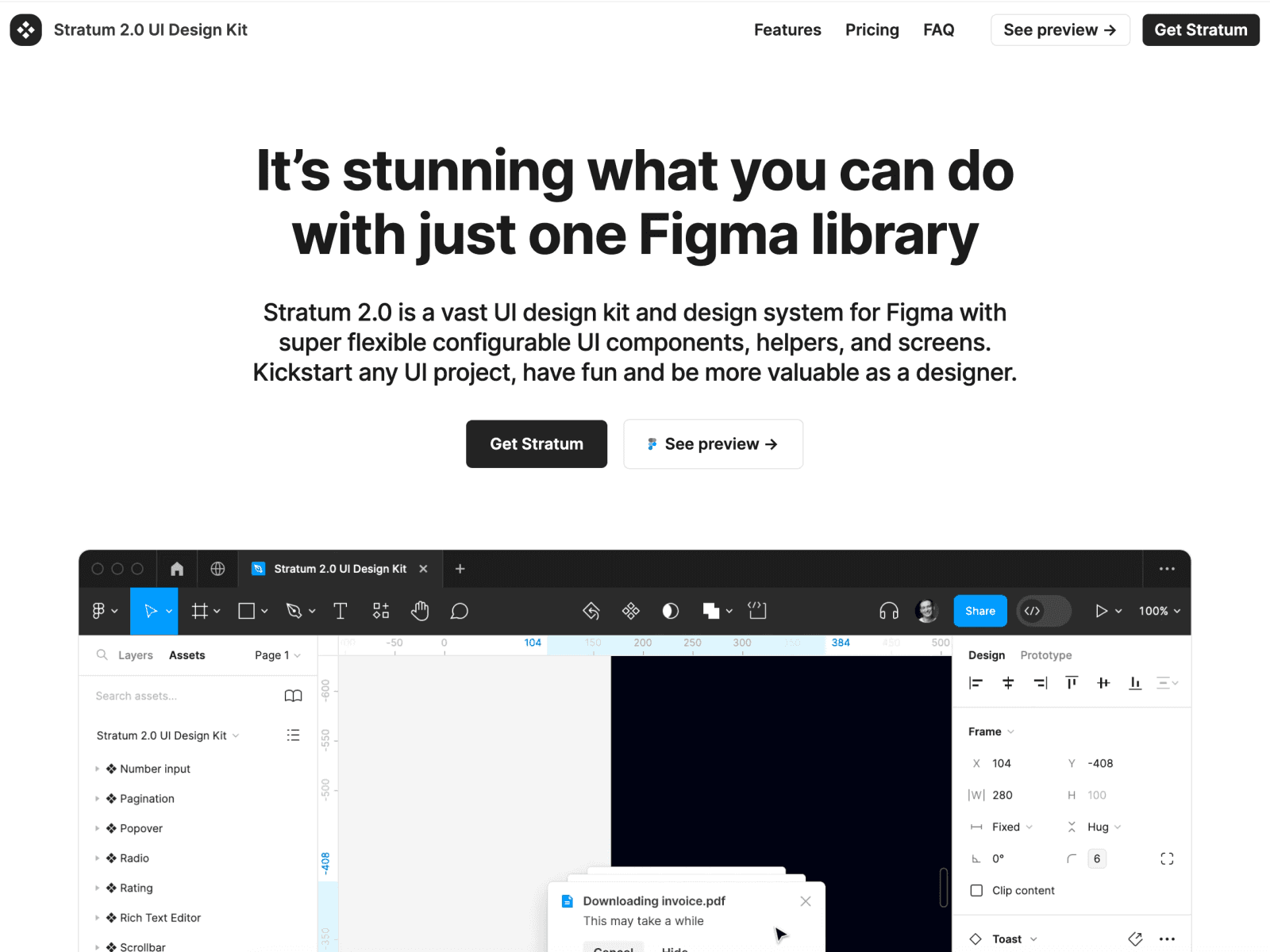
Created by Denis Danilov, Stratum is a genuinely massive kit, with 9,000+ systematized components built on Variants, Auto Layout, and constraints. It started life as proper research (the maker studied dozens of real design systems before drawing a single element), and it shows in how consistent everything feels. Beyond the UI elements you also get embeds, handoff helpers, notes, and example screens. Use it as a finished design system or as the foundation for your own. Honestly, it's also one of the better ways to learn Figma, since every key feature is applied in a real system.
14. Shipfaster UI: A big, dev-ready kit with a course attached
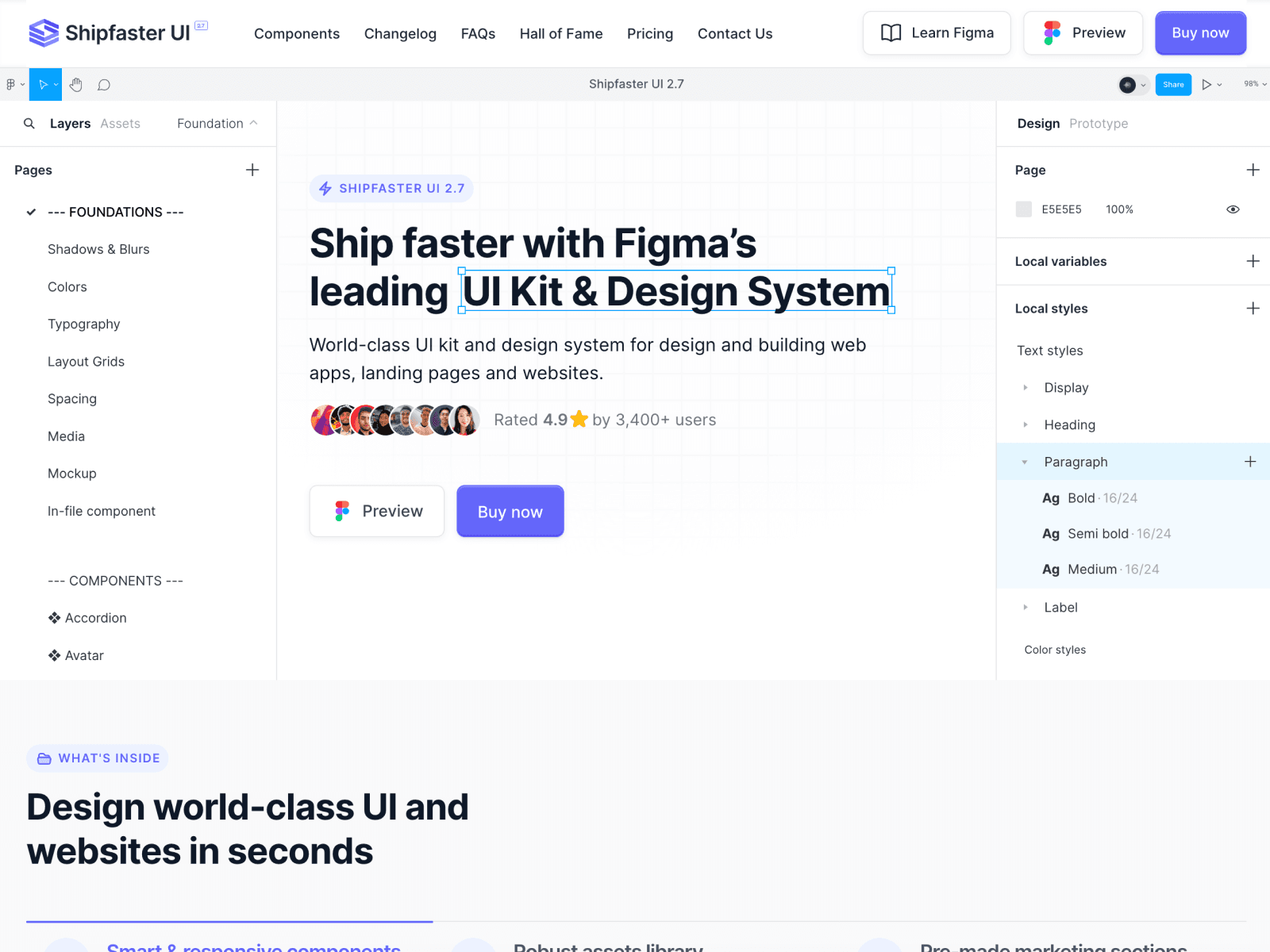
Made by Designership, Shipfaster UI is a comprehensive Figma kit and design system with 8,000+ components, responsive elements, icons, device mockups, and ready-made web templates. It's built around Figma Variables and leans hard into developer handoff, with a Starter version for a lighter footprint when you don't need the whole thing. There's even a Figma Master Class bundled in if you want to level up your process while you use it. A strong choice for freelancers and product teams that just want to ship.
15. Beyond UI: The one that builds pages with slots
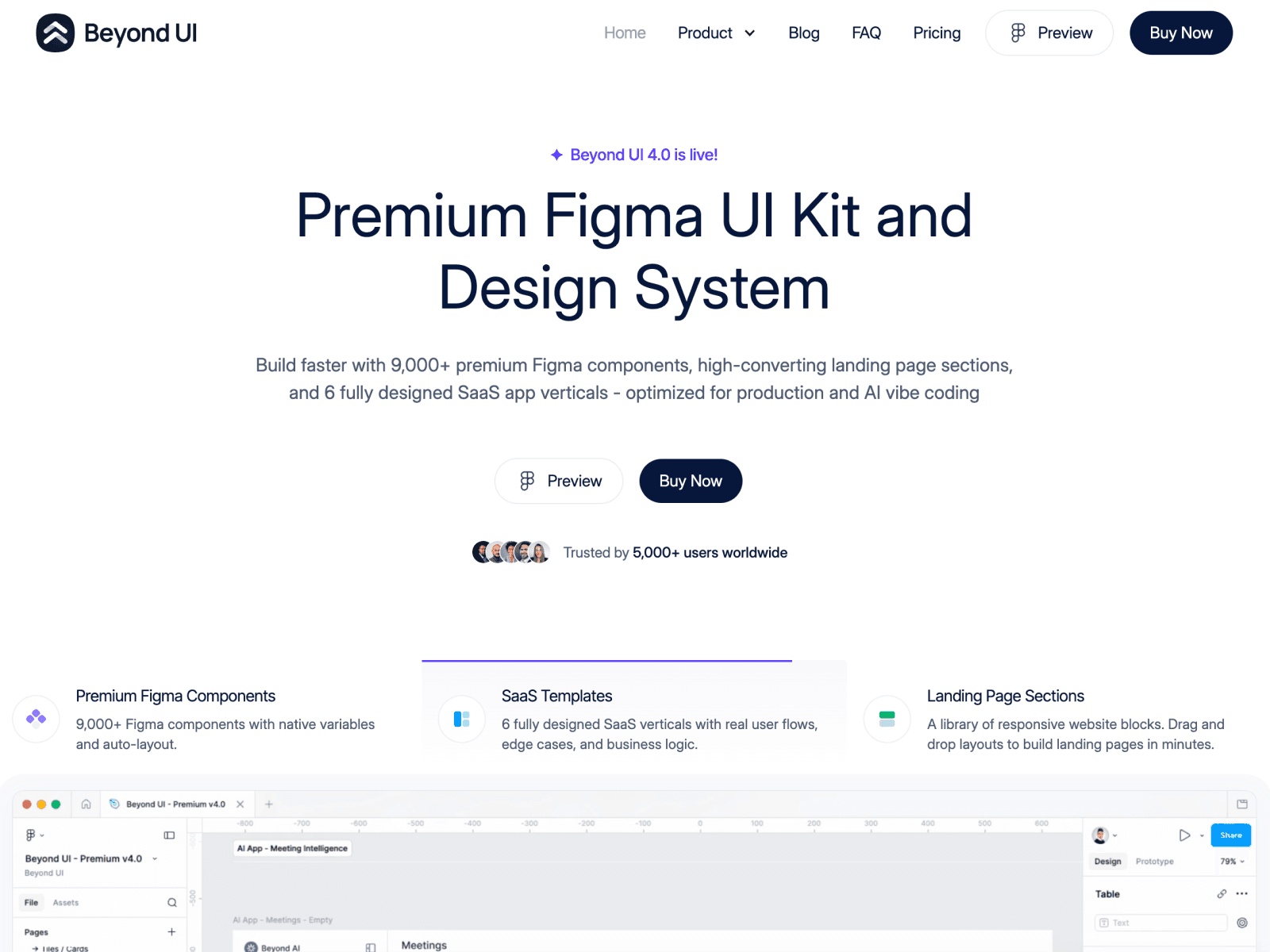
Beyond UI is a premium Figma kit with one genuinely clever trick: it's the rare system that uses Figma's slot feature to build landing pages and full websites. Every component is crafted with the most modern Figma features, the latest Auto Layout, nested instances, properties, and variables, so you can spin thousands of instances out of just a handful of master variants. That makes managing pages and components surprisingly painless. A smart pick if you build a lot of marketing pages and hate repetitive work.
16. Sort UI: A characterful system for SaaS and dashboards
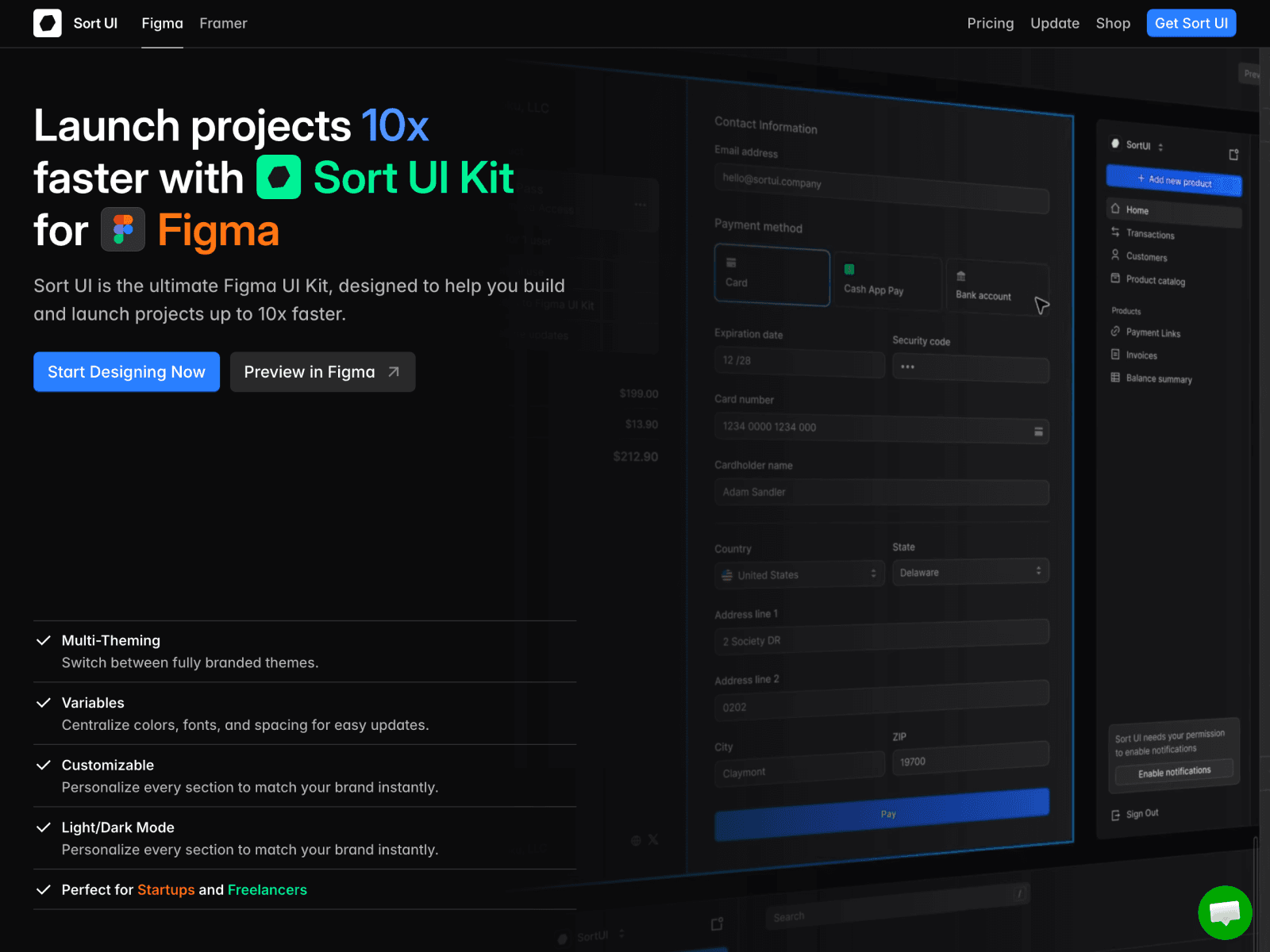
Created by a designer who goes by Shiryoku, Sort UI is a design system for Figma and Framer aimed at SaaS apps, admin panels, and dashboards. What makes it stand out is the aesthetic: clearly Notion-inspired, full of careful detail, and refreshingly non-generic. You get 2,300+ components, 600+ variables and styles, multi-theming, light and dark modes, and prebuilt application templates. It suits small and medium projects where a bit of personality is welcome more than buttoned-up enterprise work.
17. Riddle UI: A Tailwind-flavored system at serious scale
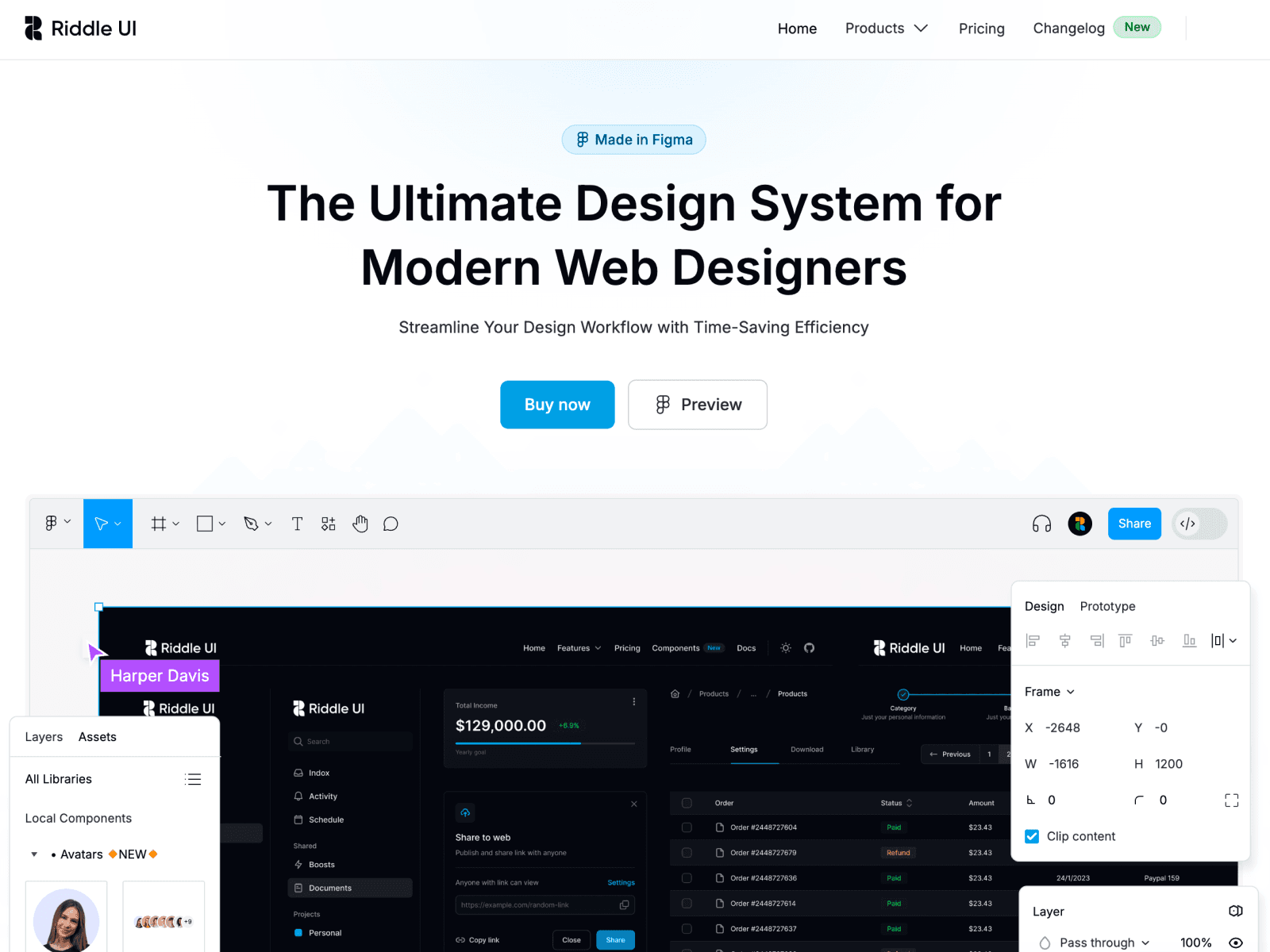
Riddle UI takes its cues from Tailwind UI and runs with it, offering 12,000+ components and variants, 1,000+ global styles, a smart scalable typography system, and a big, accessible color system. There are 500+ ready-to-go desktop and mobile page examples covering landing pages, common pages, and dashboards, plus light, dark, and "darkest" modes. There's even a Neo-Brutalism variant if you want something louder, and a free version to test the waters. Built for modern web and SaaS work.
18. Atomize: A fully tokenized framework for the web
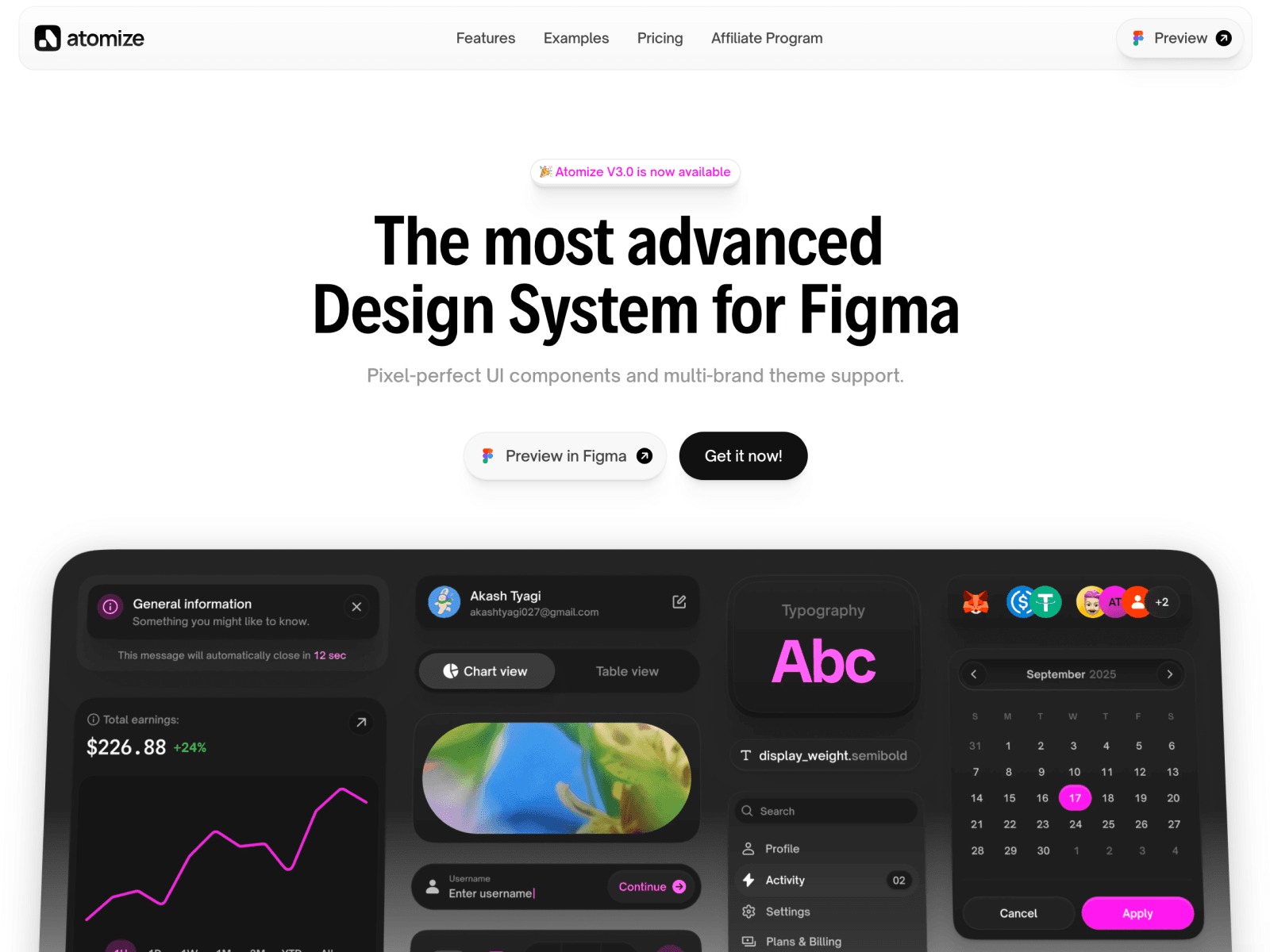
Akash Tyagi's Atomize (from the Heeko studio) is an advanced, fully tokenized UI framework for Figma. It's built entirely on Figma Variables, with 340+ variables, 200+ styles, and 700+ components, including a set of Web3 components you won't find in most kits. Dark mode and example screens are baked in, and the token-driven structure pairs nicely with Tailwind on the code side. A meticulous, consistent system from someone who clearly sweats the details.
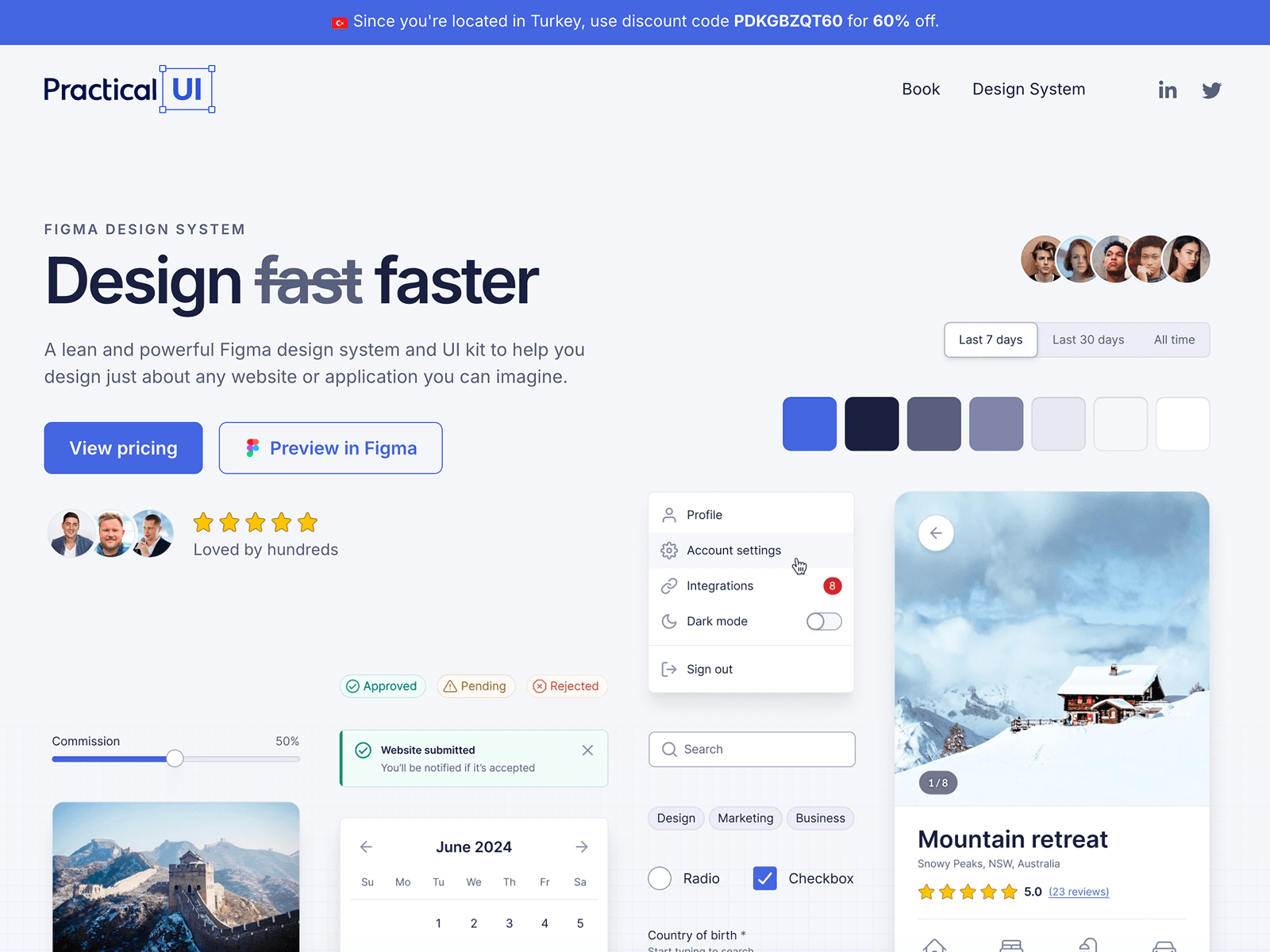
19. Practical UI: A lean, logic-driven system
🔗 practical-ui.com/design-system
Created by Sydney-based product designer Adham Dannaway, Practical UI is the design system companion to his well-known UI design book. Instead of throwing thousands of components at you, it's deliberately lean and logic-driven, built around intuitive, accessible, and beautiful interfaces. The philosophy is that most good UI decisions come from a small set of logical guidelines, not magic intuition, and the system reflects that. Perfect if you want to understand the "why" behind every choice while you build.
20. Keep: A system that ships for both Figma and React
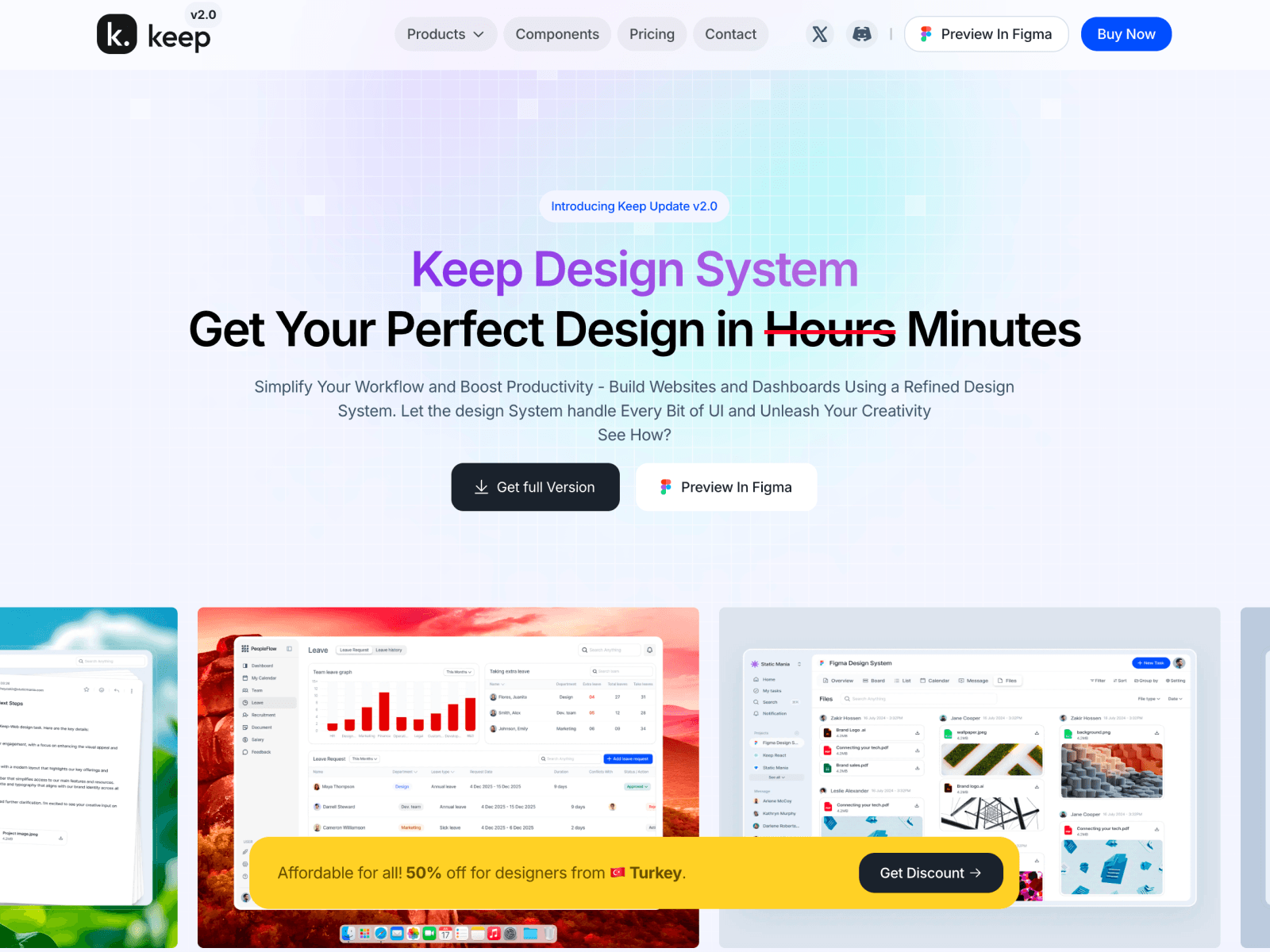
Keep breaks from traditional design systems by coming with both a Figma and a React side. It covers the core components and ready-made pages for web apps. A reasonable option for small teams that want to solve the design-to-code jump with a single system rather than stitching two tools together.
21. Koala UI: Built with landing pages in mind
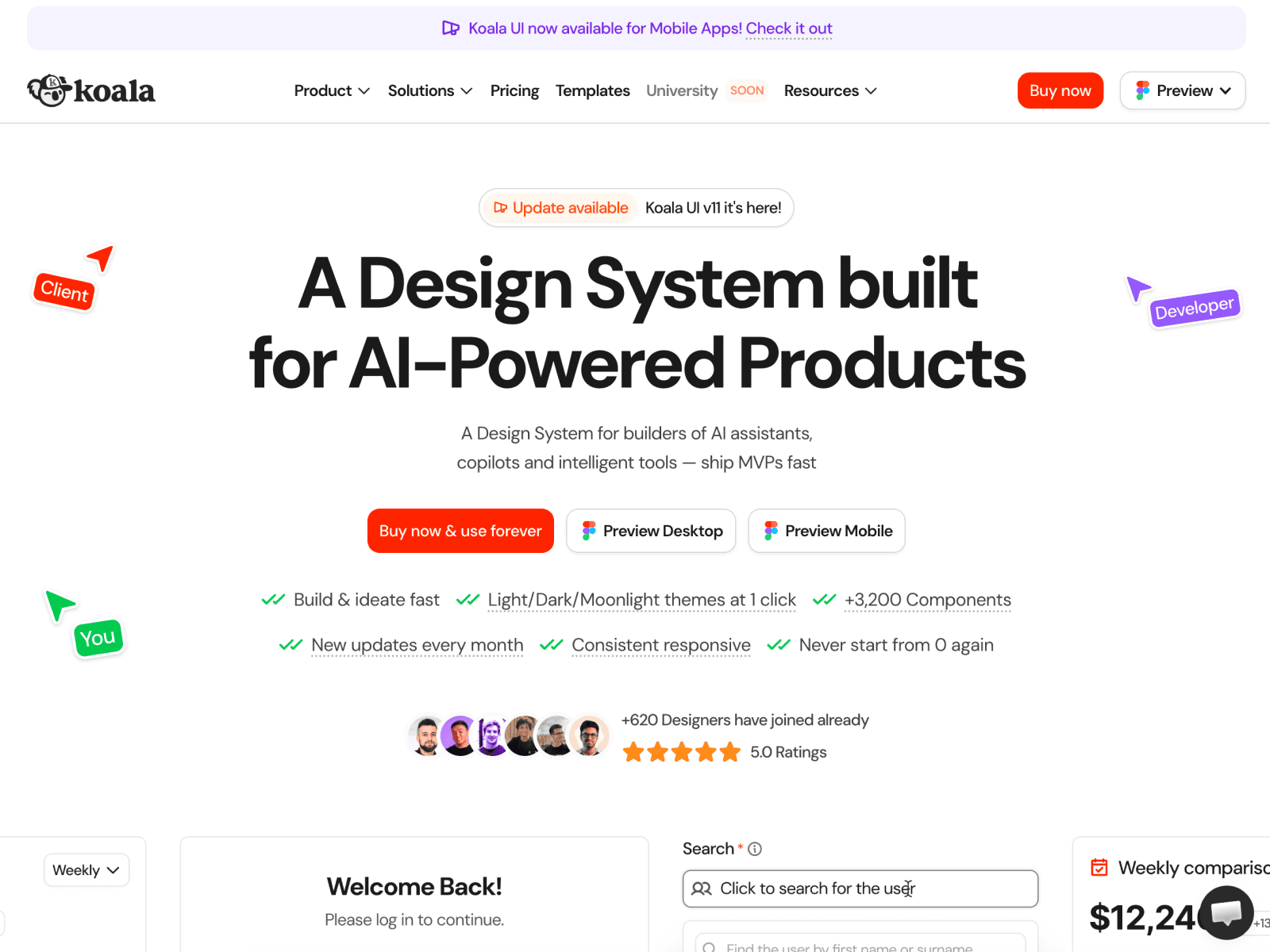
Koala UI, from Jordi Espinosa, is a relatively new design system and UI kit for Figma (with a Framer side too). Unlike the SaaS-first crowd, its focus leans toward marketing websites and landing pages, though it's comprehensive enough to handle plenty more. It's well organized and full of potential, and an especially practical option if your day-to-day is marketing pages and you want to move fast from design to live site.
Final word: Pick a system, then trust it
What all 21 of these design systems have in common is this: none of them is just a "good-looking Figma file." Every one solves the invisible groundwork you'd otherwise rebuild on every project, the token architecture, the spacing, the variant structure. The real skill is choosing the right one and actually trusting it, not second-guessing every component a second time.
When you choose, watch for a few things: When was the kit last updated? Does it use Variables, or is it still running on old-school color styles? Does its naming talk to the framework you use on the code side? Those three questions are enough to tell real quality from a flashy preview.
Now scroll the list one more time, and start wherever spoke to your work the most. In 2026, you're fresh out of excuses for designing from scratch.