Text
Typography reference and a working preview of every MDX primitive used across the docs.
This page renders every element the docs MDX pipeline knows about, so you can sanity-check fonts, rhythm, color, and the rendered output of each custom component in one place. It is a living style guide. If a token, slot, or spacing rule changes, the regression shows up here first.
Headings
Headings define the rhythm of a doc. h2 is the major section break; h3 opens a subsection; h4 through h6 are reserved for deeper drill-downs. Top spacing scales with importance using section-* spacing tokens.
Subsection heading (h3)
Use h3 for a named example or a self-contained subtopic inside a section.
Group heading (h4)
h4 is for grouping related items under an h3, like API reference sub-tables.
Detail heading (h5)
h5 is the smallest commonly used heading. Reach for it when a single concept needs a sub-label.
Smallest heading (h6)
h6 is rarely needed; reserve it for short labels inside long reference tables.
Paragraphs and inline content
A standard paragraph uses text-paragraph-sm on text-body. Strong text emphasizes a noun or rule. Italic text is the soft emphasis variant. You can also strike a span when the doc tracks removed behavior, and highlight passages with mark when calling out a critical line in the middle of a paragraph.
Inline code reads as a text-numeric-sm chip on a bg-weakest background, separating identifiers from prose. References to keys use the Kbd component, like ⌘ K to open the command menu, or Esc to close it.
Links come in two flavors. Use the markdown form for in-prose URLs like the Create UI repo, and use the Link component when you need next/link semantics, like the Accordion docs.
Lists
Unordered lists carry primary scanning content.
- The active selection state lives on the item, not the root.
aria-pressedreflects toggle state when an item is rendered as a button.- Disabled items skip click handlers and apply the disabled visual treatment.
- Items can opt into
asChildto swap the underlying element.
Ordered lists carry sequenced steps.
- Pick the variant that matches the surface.
- Decide whether selection is controlled or uncontrolled.
- Wire
onValueChangeto your router, state, or URL. - Verify keyboard reachability and screen reader output.
Nested lists keep their indent rhythm:
- Top-level item
- Nested item one
- Nested item two
- Top-level item
Tables
Tables are the canonical layout for prop reference and keyboard shortcuts.
Blockquotes
Markdown's > syntax renders the filled blockquote with the info-base accent bar.
Good defaults make every doc readable on day one. The goal is not minimalism for its own sake; it is removing every layout decision a writer should not have to make.
Use the JSX form when you need the ghost variant or an attribution:
Good design is as little design as possible. Less, but better, because it concentrates on the essential aspects.
Dieter Rams, Less and More
Horizontal rule
Section breaks inside a long doc use the hr element.
The element above is a horizontal rule. Use it sparingly; an h2 is usually the clearer break.
Images and media
The Figure component wraps next/image in a soft card and supports an optional caption. variant="contained" caps the width at the body column; variant="full" widens it to the article max.
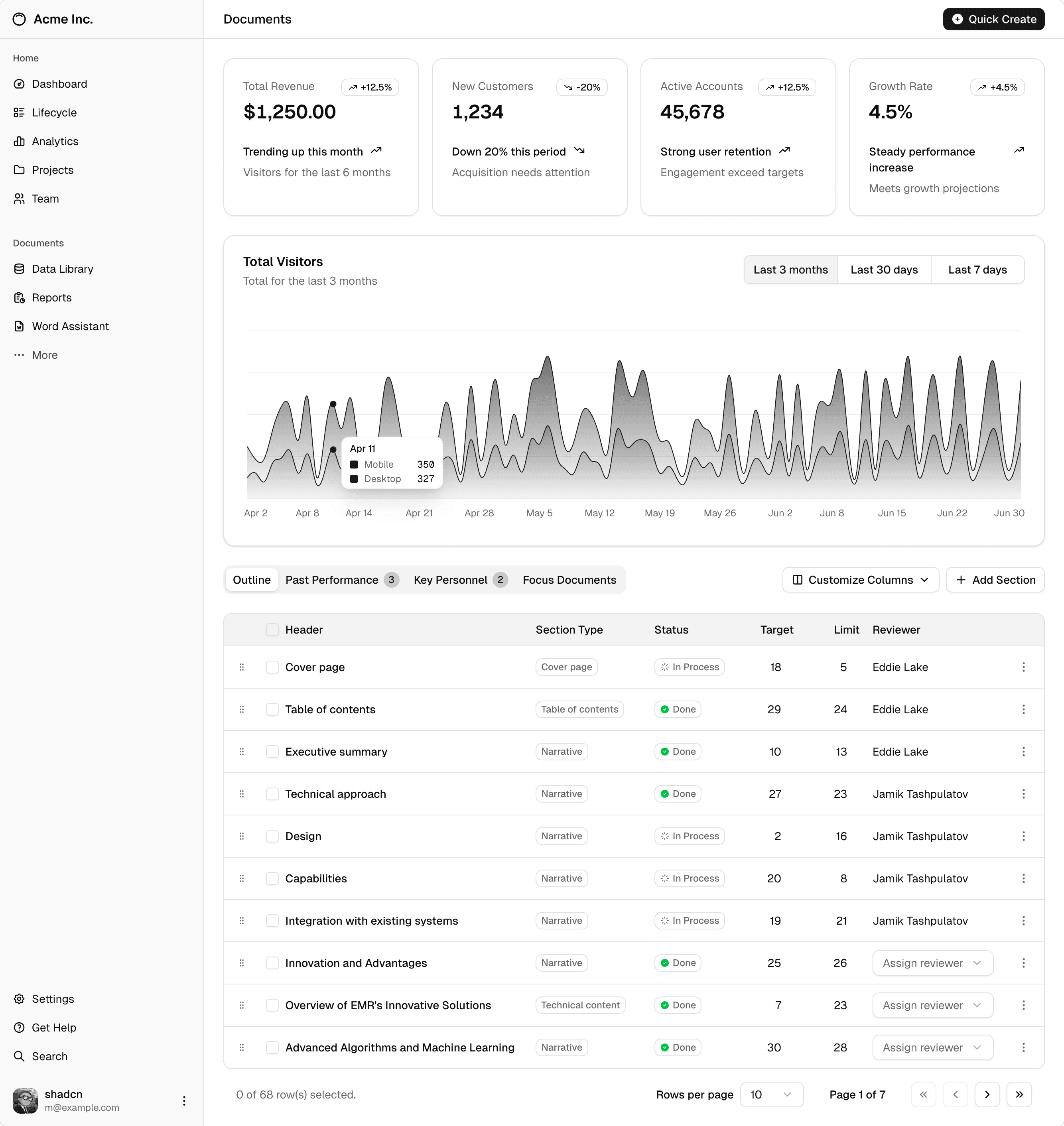
When you only need a freestanding asset, use the Image MDX component directly:

AspectRatio reserves space before content paints, so layout does not jump on slow networks.
16 by 9 placeholder
Alerts and callouts
Callout is the docs-tuned InlineAlert with six variants. Use info for context, warning for a soft caution, error for breaking changes, success for confirmations, away for deprecated or paused behavior, and the default neutral for general notes.
Note
Use this for general guidance that supports the surrounding prose but does not block the reader.
Heads up
Use this for important context that the reader should keep in mind while following the steps.
Careful
Use this when ignoring the note can break the reader's setup, leak data, or cost time.
Breaking change
Use this when the surrounding step removes behavior, changes an API, or fails if the reader has not migrated.
Confirmed
Use this to confirm a known-good outcome, like a verified migration path or a recommended default.
Deprecated
Use this to flag behavior that still works today but is on the path to removal, so the reader can plan a migration.
For richer compositions, reach for a callout:
Token migration required
Replace any hard-coded padding: 16px with p-component-lg so dark and
responsive themes can rescale the value.
Tabs
Use Tabs for inline option switchers inside docs.
The overview tab carries a short description of the topic, suitable for the reader who just landed on the page.
Accordion
Accordion is the canonical disclosure for FAQs and "see also" content.
LinkCard is a block-level link that pairs a preview image with a title, description, and the destination URL, useful at the bottom of a doc to point to related reading.

Create UI Design System
Compound menu for switching between sections, with vertical or horizontal layouts and an animated active indicator.
Component reference primitives
ComponentPreview renders a live example by registry name. It is the standard opening for any component doc.
Code
Inline references use backticks: pnpm v4:dev boots the docs site on port 4000. For full snippets, fenced code blocks render with the language icon, a title, and a copy button.
Shell commands render the same way and pick up the bash icon.